

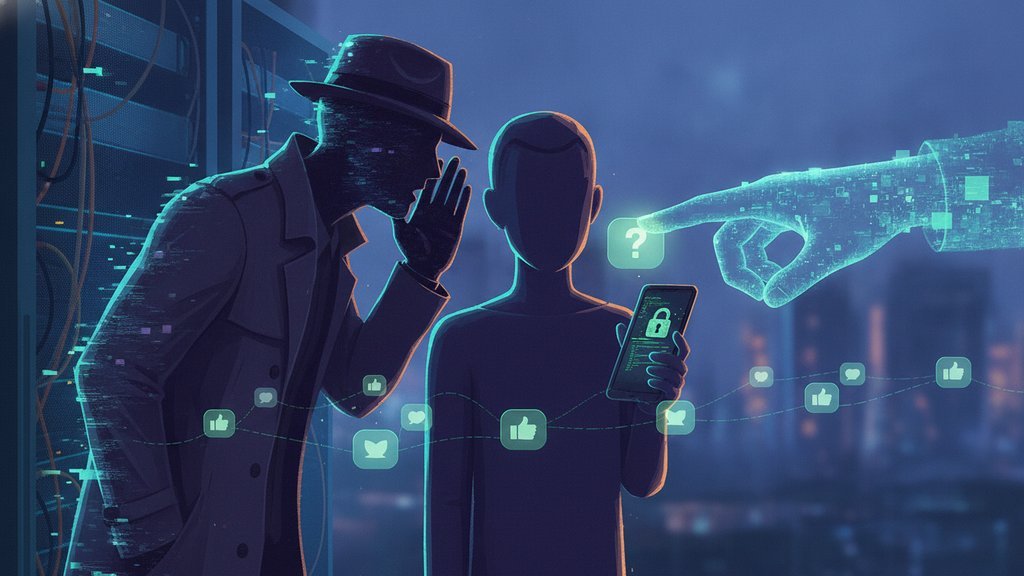
Social engineering attacks are manipulation tactics where criminals trick people into handing over sensitive information, money, or access, instead of hacking through firewalls or breaking code. The attacker exploits human psychology (trust, fear, urgency, curiosity) rather than technical flaws, which is why it's often called "human hacking." A well-crafted email pretending to be your boss can bypass a million-dollar security system in seconds, simply because a person clicked, replied, or typed a password when asked.
Content Table
What Social Engineering Actually Means
At its core, social engineering is the art of convincing someone to do something they wouldn't normally do. The target isn't a server. It's a receptionist, an accountant, a help desk agent, or you. Instead of finding a bug in software, the attacker finds a "bug" in human behavior and exploits it.
These manipulation attacks work because they hijack the mental shortcuts we all use to get through the day. When someone claims to be from IT and says your account will be locked in ten minutes, most people react before they think. That gap between reaction and reflection is exactly what the attacker is counting on.
Why It Works on Smart People
Falling for a scam has nothing to do with intelligence. Attackers lean on well-documented psychological triggers that affect everyone:
- Authority: We tend to obey people who seem in charge, like a "CEO" emailing about an urgent wire transfer.
- Urgency: A tight deadline shuts down careful thinking. "Act in 5 minutes or lose access."
- Fear: Threats of fines, account suspension, or getting in trouble push people to comply fast.
- Trust and familiarity: A message that looks like it's from a coworker or a brand you use lowers your guard.
- Reciprocity: If someone does you a small favor first, you feel obligated to help them back.
- Curiosity: A file named "Salary_Review_2024.xlsx" is almost impossible to ignore.
Robert Cialdini documented many of these principles in his research on persuasion and influence, and attackers study them just as carefully as marketers do.
The Main Types of Attacks
Social engineering shows up in many shapes. Here are the ones you're most likely to encounter:
| Attack | How it works | Typical goal |
|---|---|---|
| Phishing | Mass emails or texts pretending to be a trusted brand or person | Steal passwords or plant malware |
| Spear phishing | Personalized attack aimed at one specific person | High-value access or fraud |
| Pretexting | Inventing a believable scenario to extract information | Data, credentials, or access |
| Baiting | Leaving infected USB drives or offering free downloads | Malware installation |
| Tailgating | Following an employee through a secure door | Physical access to a building |
| Vishing | Phone calls impersonating banks, IT, or support | Verbal confirmation of secrets |
| Quid pro quo | Offering a service (like "free tech help") in exchange for access | System control |
Pretexting and the Pretexting Rule
Pretexting is one of the most effective techniques because it builds a full backstory before the ask. Rather than a single suspicious email, the attacker invents a believable "pretext" (a reason for the contact) that makes their request feel completely normal.
A classic example: someone calls the finance team claiming to be an auditor who needs to "verify" recent transactions. They already know a few real names and internal terms, so the story holds up. By the time they ask for account details, the victim feels like they're just doing their job.
The pretexting rule refers to a legal principle in the United States. Under the Gramm-Leach-Bliley Act, it is illegal to use false pretenses to obtain someone's private financial information from a financial institution. In other words, tricking a bank into giving up a customer's data is a federal offense, not just a dirty trick.
Phishing Tactics That Fool People
Phishing is the most common delivery method for social engineering, and the tactics keep getting sharper. Watch for these:
-
Lookalike domains:
paypa1.cominstead ofpaypal.com, ormicros0ft-support.net. - Display name spoofing: The name reads "IT Helpdesk" but the actual address is a random Gmail account.
- Urgent password resets: A link claiming your account was breached and you must "confirm" credentials now.
- Fake invoices and shipping notices: Attachments that install malware when opened.
- Business email compromise (BEC): A message that looks like it's from your CEO asking for a quick, quiet wire transfer.
Once credentials are stolen through phishing, attackers often move on to other techniques like stealing your active login session or reusing your password across other sites. If you reuse passwords, one successful phish can unlock dozens of accounts, which is why reusing passwords across sites is so risky.
Red Flags to Watch For
Most social engineering attempts share a handful of tells. If a message hits several of these, slow down:
- It creates artificial urgency or a deadline.
- It asks you to bypass normal procedures ("don't tell anyone yet").
- It requests passwords, codes, or payment details directly.
- The sender's address doesn't quite match the real organization.
- The greeting is generic ("Dear Customer") or oddly personal for a stranger.
- It offers something too good to be true, like a prize or refund you never expected.
When any request involves sharing credentials, the safest move is to never send them over email or chat in the first place. If you must pass along a password to a colleague, use a method built for it, like securely sharing passwords instead of pasting them into a message an attacker could intercept.
How to Defend Yourself
You can't patch human nature, but you can build habits that shut most attacks down:
- Verify through a separate channel. Got an urgent email from your boss? Call them on a known number. Don't reply to the email.
- Slow down. Urgency is the attacker's favorite weapon. A five-minute pause defeats most scams.
- Turn on multi-factor authentication. Even if a password leaks, MFA blocks most account takeovers.
- Never share secrets in plain messages. Use tools designed for it, like one-time secret links that self-destruct after a single view.
- Limit what you overshare online. Every detail you post is raw material for a pretext, which ties directly into the privacy paradox of saying we value privacy while sharing everything.
- Report suspicious messages to your IT or security team so others get warned.

Protect sensitive information from social engineering
Since social engineering attacks trick people into revealing credentials over email and chat, one-time secret links let you share sensitive info that self-destructs after a single view, leaving nothing for an attacker to steal.
Create a secret link →
Frequently Asked Questions
Traditional hacking exploits technical weaknesses in software or networks. Social engineering exploits human weaknesses like trust and fear. Instead of cracking a password, the attacker convinces a person to hand it over. Many real breaches combine both, using manipulation to get an initial foothold.
Pretexting is inventing a fake but believable story to trick someone into sharing information. For example, an attacker might pose as an IT technician or an auditor who "needs to verify" your account. The invented scenario, called a pretext, makes the request feel routine and lowers the victim's suspicion.
It works because it targets automatic human reactions, not technical defenses. Triggers like authority, urgency, and fear push people to act before thinking. Even well-trained, intelligent people fall for it when the timing and story are convincing, which is why constant awareness matters more than intelligence.
The pretexting rule is a U.S. legal provision under the Gramm-Leach-Bliley Act. It makes it illegal to use false pretenses to obtain someone's private financial information from a financial institution. It criminalizes the act of tricking banks or their customers into revealing protected data.
Look for pressure to act fast, requests for passwords or payments, mismatched sender addresses, and instructions to skip normal procedures. If a message combines urgency with a request for something sensitive, pause and verify through a separate, trusted channel before doing anything.