
Send a private file that self-destructs
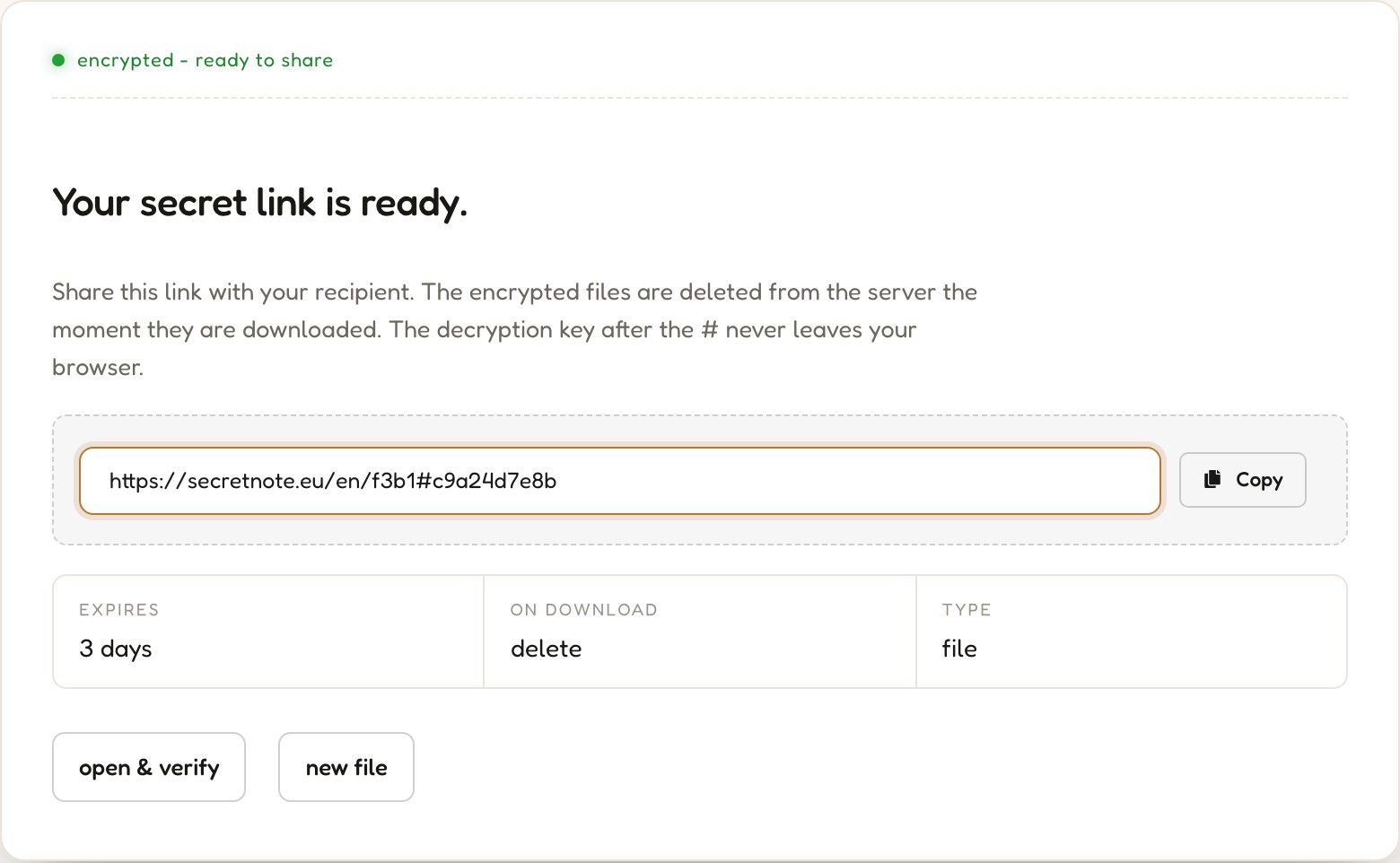
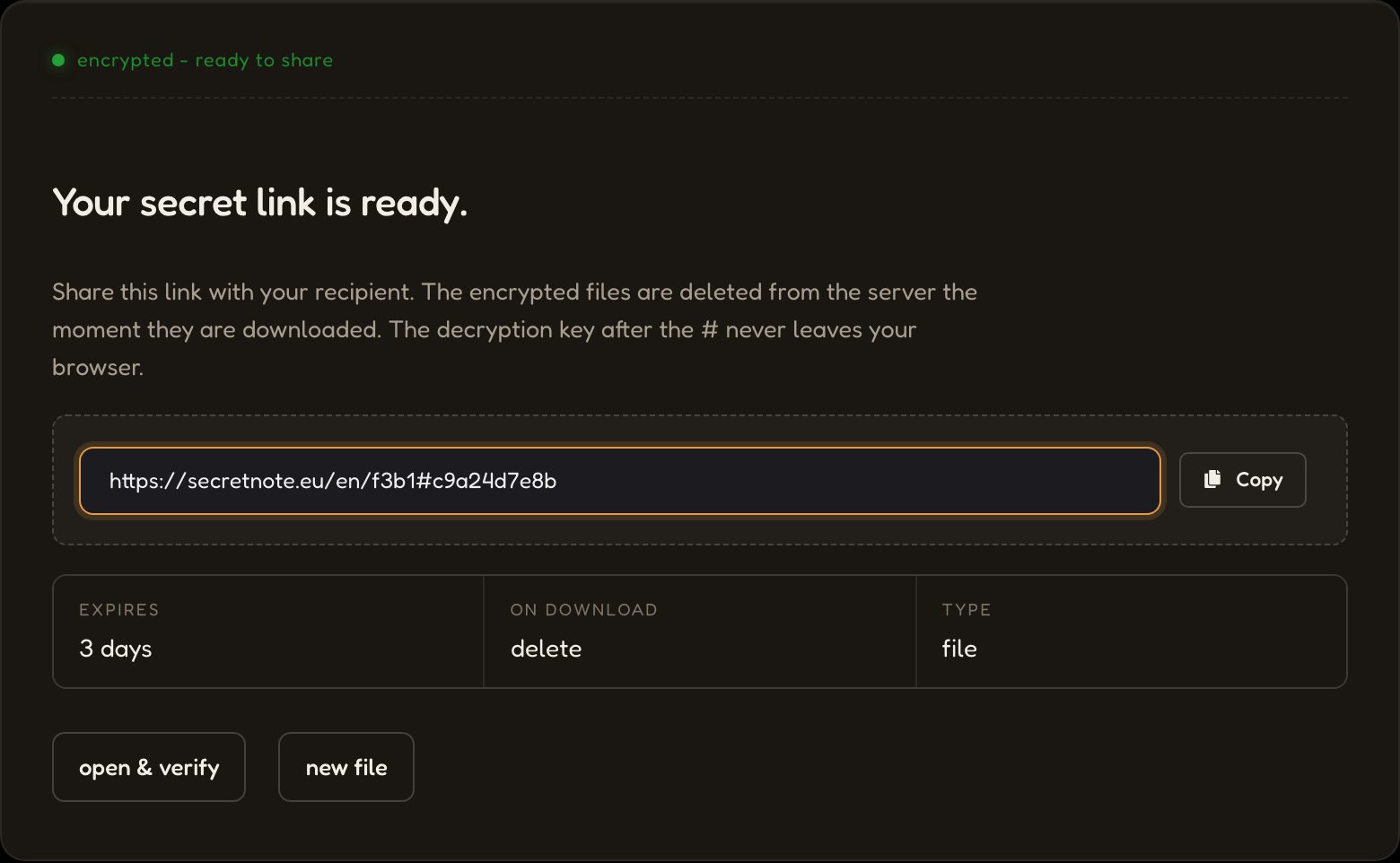
Your secret link is ready.
Open the Scan tab in the app. The link moves to your phone without opening the secret.
How can I share files securely?
Three simple steps to send encrypted files that delete after download.
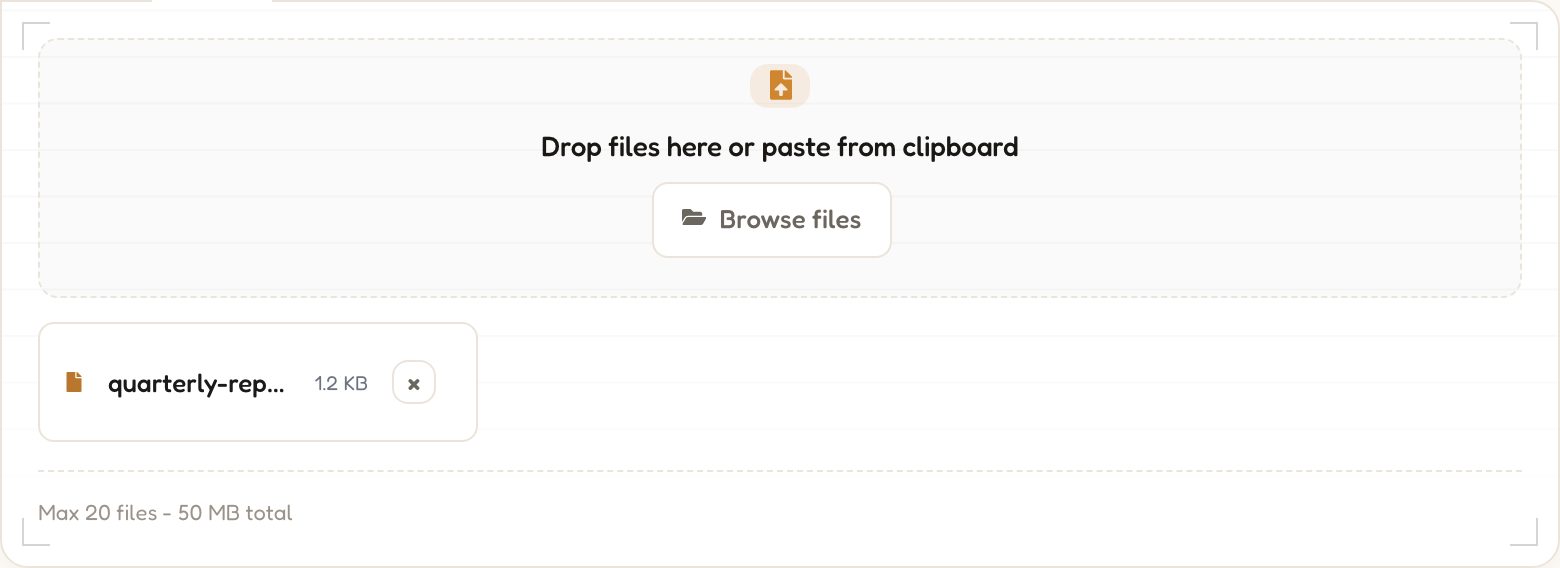
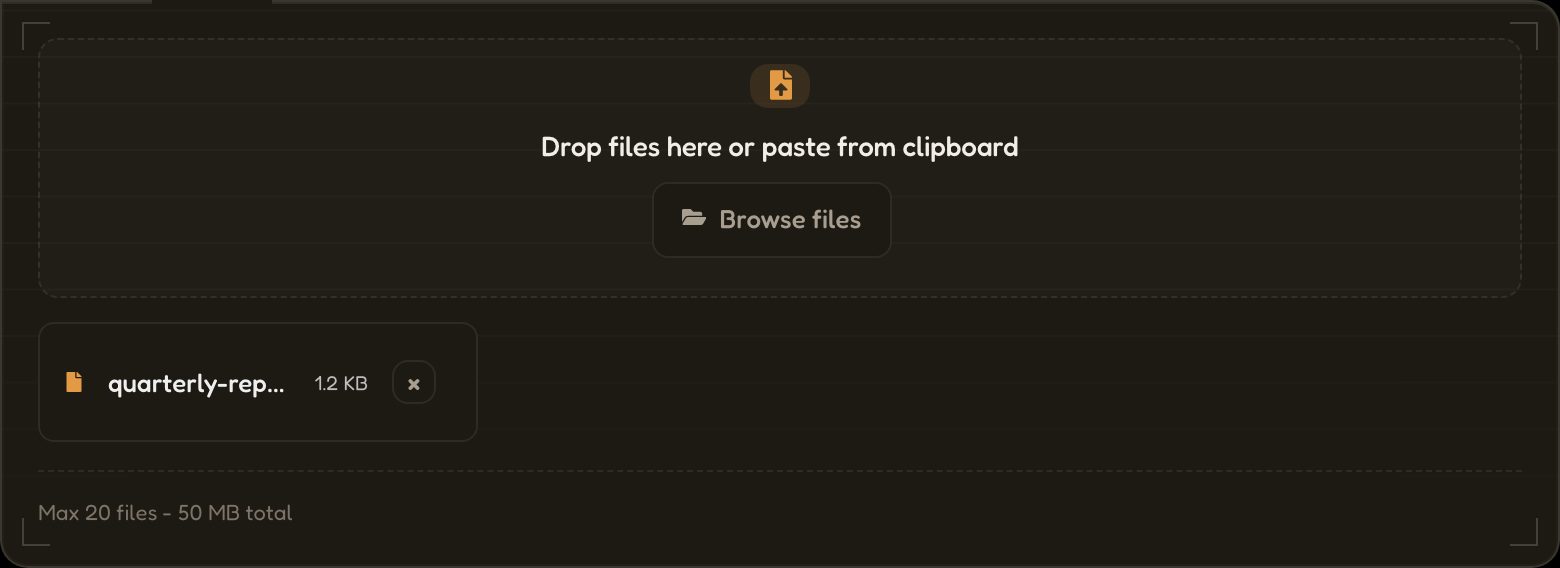
01Drop in your files.
Files are encrypted in your browser with AES-256 before anything touches the network.
→ aes256(•) → ciphertext
02Send the link.
The URL carries the decryption key after the #, which browsers never send to a server.
03It disappears on download.


Server deletes the ciphertext the moment the file is downloaded. No backups, no logs.
status: destroyed
Why use SecretFile to share sensitive files?
Zero-Knowledge Architecture
AES-256 encryption runs entirely in your browser before anything leaves it. The decryption key is embedded in the URL fragment, which browsers never transmit in HTTP requests.
One-time Download
When the recipient downloads the file, the ciphertext is fetched, decrypted locally, and immediately deleted from the server. No backup, no log, no cached copy.
Completely Anonymous
No account, no email, no personal information. Only encrypted ciphertext, a random ID, and an expiry are stored, none tied to any identity.
What you can share with SecretFile
Any file type, up to the size limit. The server only ever holds opaque ciphertext.
Documents and PDFs
Contracts, invoices, ID scans, tax forms, medical records - send sensitive paperwork without leaving copies in email threads.
Images and screenshots
Photos of credentials, signed papers, or any image that should not persist in chat history or cloud galleries.
Code and config files
SSH keys, .env files, database dumps, kubeconfigs - move secrets between teammates without committing them anywhere.
Archives and backups
ZIPs, encrypted backups, project bundles. The recipient downloads once, and the link is permanently deleted.
Frequently asked questions
Common questions about encrypted file sharing and one-time download links.
More privacy tools
Everything you need to share private data safely - free, no account needed to get started, runs in your browser.
SecretNote
Write a private note, generate a one-time link, and share it. The note self-destructs the moment it is read - nothing is stored, nothing leaks.
Create a secret note →SecretScreen
Upload a screenshot and get a self-destructing share link. The image is encrypted before upload and deleted after the first view - no permanent hosting.
Share a screenshot →Hash Generator
Instantly generate MD5, SHA-1, SHA-224, SHA-256, SHA-384 and SHA-512 hashes in your browser. Your input is never sent to the server.
Generate a hash →Password Generator
Generate strong, random passwords with full control over length and character sets. Everything runs locally - your passwords never touch a server.
Generate a password →