
Secret visual sharing

SecretScreenshot for one-time image delivery

Paste or drop one or more screenshots, encrypt them in the browser, and share a self-destructing link that can burn after the first view.

Browser-side encryption One or more screenshots Timed self-destruction

Quick workflow

  1. Win Shift S to capture a screenshot
  2. Print Screen as an alternative shortcut
  3. Ctrl V to paste it directly here

The shortcut hints adapt to the current browser platform.

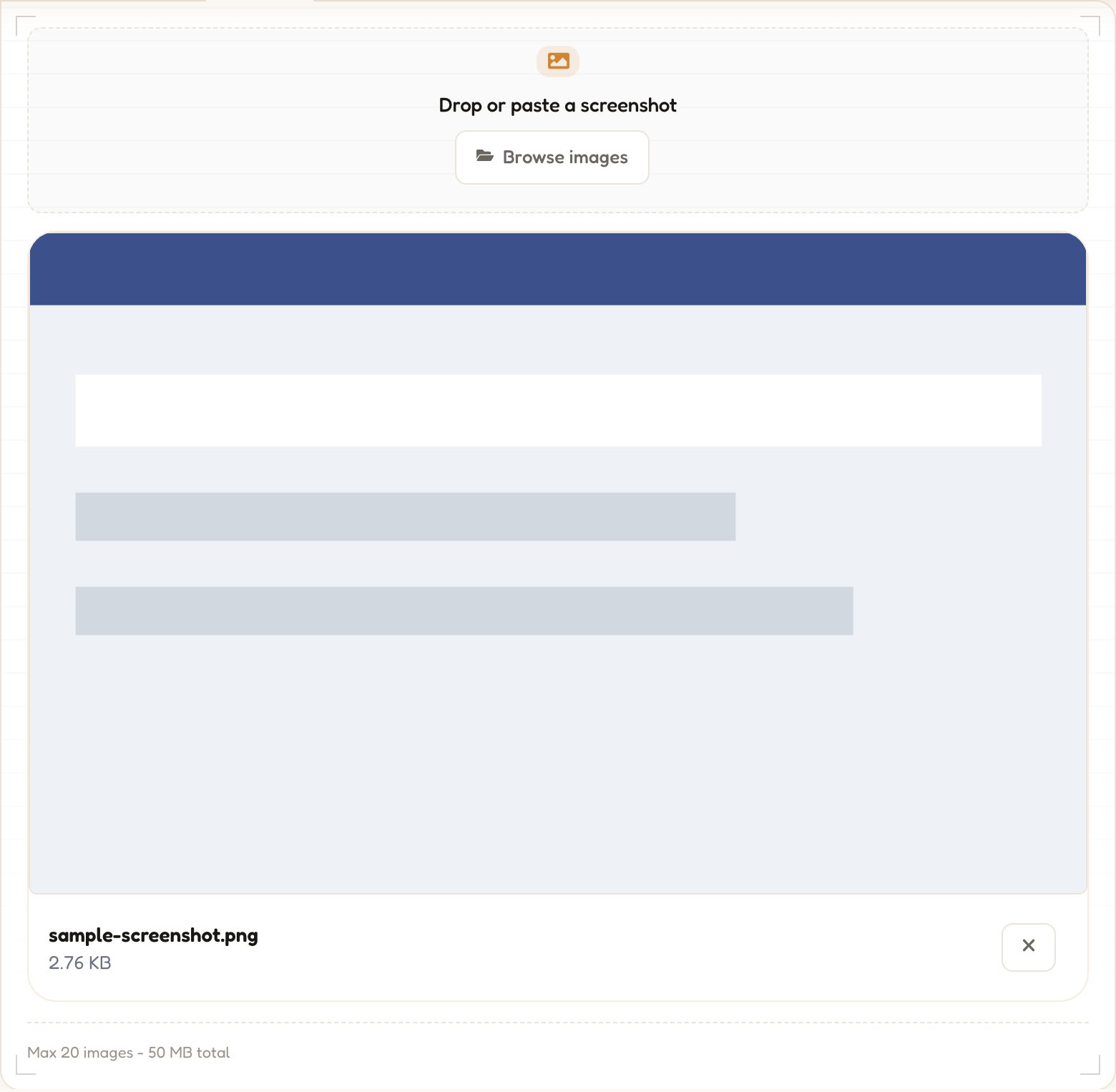
Drop or paste screenshots

Only image files are accepted here. Screenshots are encrypted before upload and the server never sees the decryption key.

Paste with keyboard shortcut or drag screenshots here

You can also click to browse image files from your device.

Loading image limits...

How it works

Three simple steps to share screenshots privately and securely.

1

Upload screenshot

Paste, drag, or browse to add one or more screenshots. Your images never leave the browser unencrypted.

2

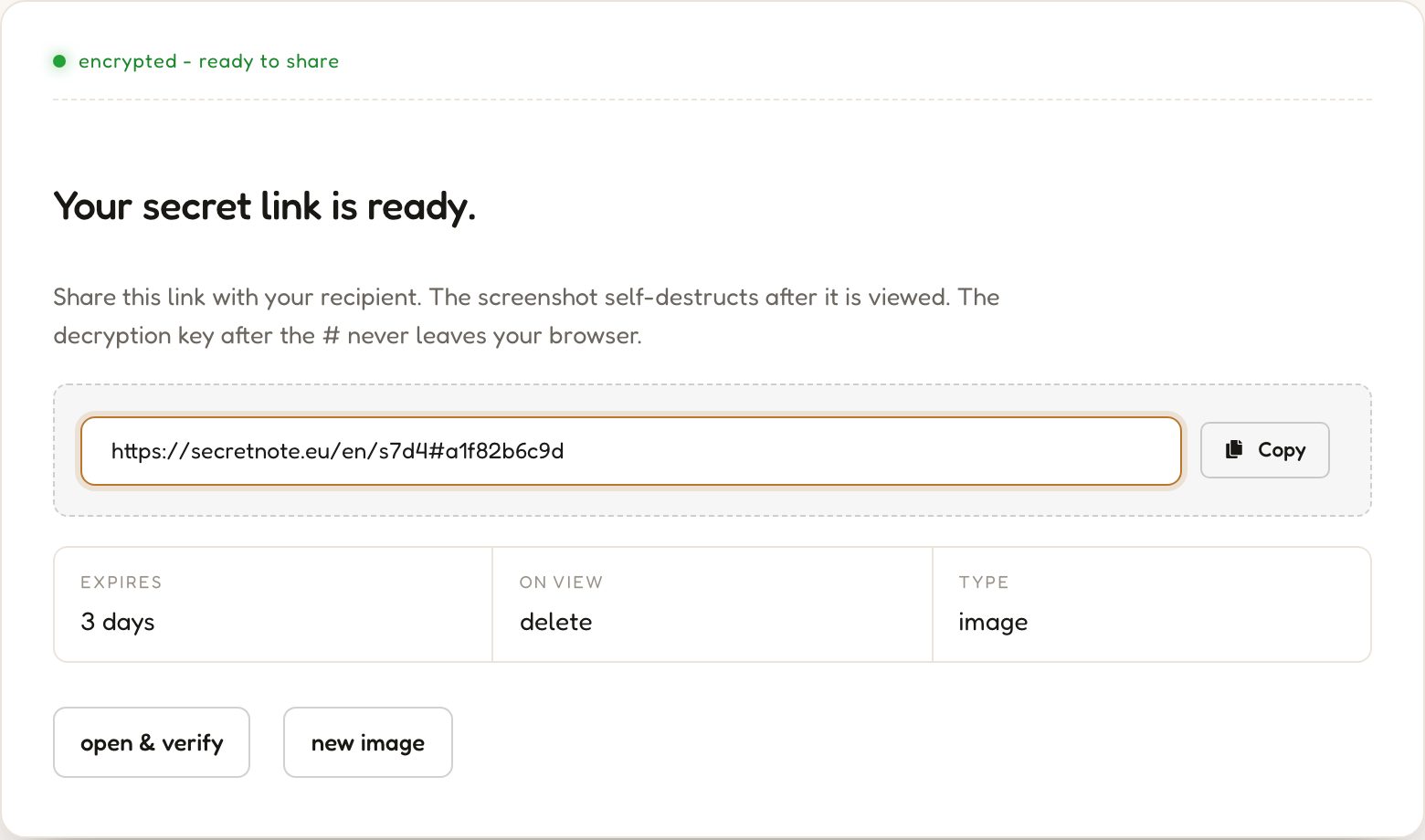
Get encrypted link

AES-256 encryption runs entirely in your browser. The decryption key is embedded in the link fragment and never sent to the server.

3

Recipient views once, link dies

Once the recipient opens the link and decrypts the images in their browser, the encrypted data is permanently deleted from the server.

Why use encrypted screenshot sharing?

Common scenarios where one-time encrypted screenshot links make a real difference.

Share bug reports privately

Send error screenshots and stack traces to developers without exposing sensitive system details in a public channel or email thread.

Send design mockups securely

Share unreleased UI designs or brand assets with clients for a single confidential review, preventing unauthorised redistribution.

Share credentials in screenshots

Deliver temporary passwords or access codes captured in a screenshot so they cannot be indexed, forwarded, or stored by the recipient.

Confidential document screenshots

Pass on snippets from contracts, financial reports, or medical documents in a way that automatically self-destructs after viewing.

Frequently asked questions

Common questions about encrypted screenshot sharing with SecretScreenshot.

Yes. Every image is encrypted with AES-256 in your browser before any data leaves your device. The decryption key is stored only in the link fragment, which is never sent to the server. The server holds only ciphertext and cannot view your screenshots under any circumstances.

After the recipient opens the link and the screenshots are decrypted in their browser, the encrypted image data is permanently deleted from the server. The link stops working immediately and there is no way to recover the files.

Yes. You can add multiple images to a single share by dragging them into the drop zone, pasting with Ctrl+V after each capture, or selecting multiple files from the browser dialog. All images are encrypted together and delivered as a single one-time link.

Any image format the browser accepts is supported, including PNG, JPEG, WebP, and GIF. Screenshots copied from the operating system clipboard are usually delivered as PNG. When pasting clipboard content the available format depends on what the operating system exposes to the browser.

You can add multiple screenshots to a single share. All images are encrypted together and delivered as one link. The recipient opens the link once and sees all images. The limits depend on the current service configuration and are shown in the upload interface before you create the link.

Yes. In the Options panel before creating the link you can set a password. The recipient must enter the correct password before the screenshots are decrypted and displayed. This adds a second layer of protection on top of the AES-256 encryption, useful when the link itself may be intercepted.

If the link is never opened, the encrypted image data is automatically deleted when the expiration timer runs out. You can set this timer in Options before creating the link. The default is 3 days. Available options range from 1 hour to 30 days. After expiry the link stops working and the data is gone.

Yes. SecretScreenshot runs entirely in the browser and works on mobile devices. You can browse and select images from your phone's gallery or camera roll. Clipboard paste from a mobile screenshot depends on the mobile browser's clipboard access permissions. The encryption and decryption process is the same as on desktop.

Yes, SecretScreenshot is completely free. No account, subscription, or payment is required. All features including AES-256 encryption, multiple images per share, password protection, and expiration timers are available at no cost.

More privacy tools

Everything you need to share private data safely - free, no account, runs in your browser.

Encrypted messaging

SecretNote

Write a private note, generate a one-time link, and share it. The note self-destructs the moment it is read - nothing is stored, nothing leaks.

Burns after reading AES-256 encrypted No account needed
Create a secret note
Screenshot sharing

SecretScreen

Upload a screenshot and get a self-destructing share link. The image is encrypted before upload and deleted after the first view - no permanent hosting.

View once Multiple screenshots No account needed
Share a screenshot
Secure file transfer

SecretFile

Upload any file and share a one-time download link. The file is encrypted end-to-end and permanently deleted after the recipient downloads it.

One-time download Auto-expires No account needed
Send a secret file
Client-side utility

Hash Generator

Instantly generate MD5, SHA-1, SHA-224, SHA-256, SHA-384 and SHA-512 hashes in your browser. Your input is never sent to the server.

6 algorithms Live output No account needed
Generate a hash
Client-side security tool

Password Generator

Generate strong, random passwords with full control over length and character sets. Everything runs locally - your passwords never touch a server.

Cryptographically random Fully customisable No account needed
Generate a password