


Partage des notes privées qui s'autodétruisent.
Envoie une note à autodestruction en trois étapes
Tout se passe dans ton navigateur. Le serveur ne détient jamais la clé.
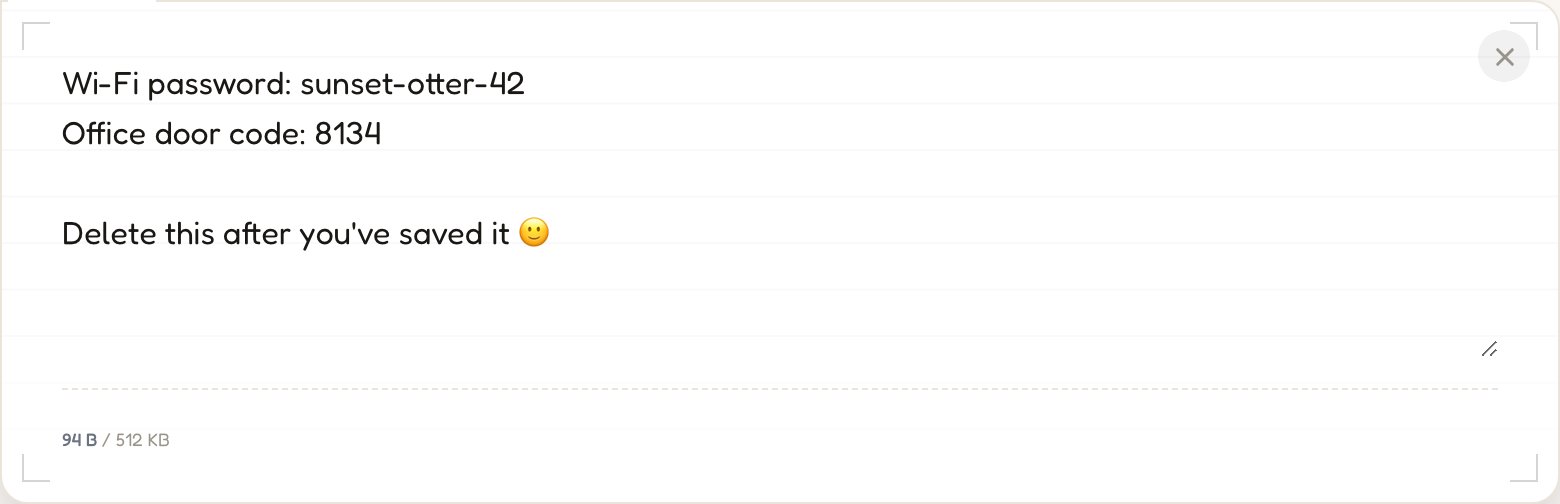
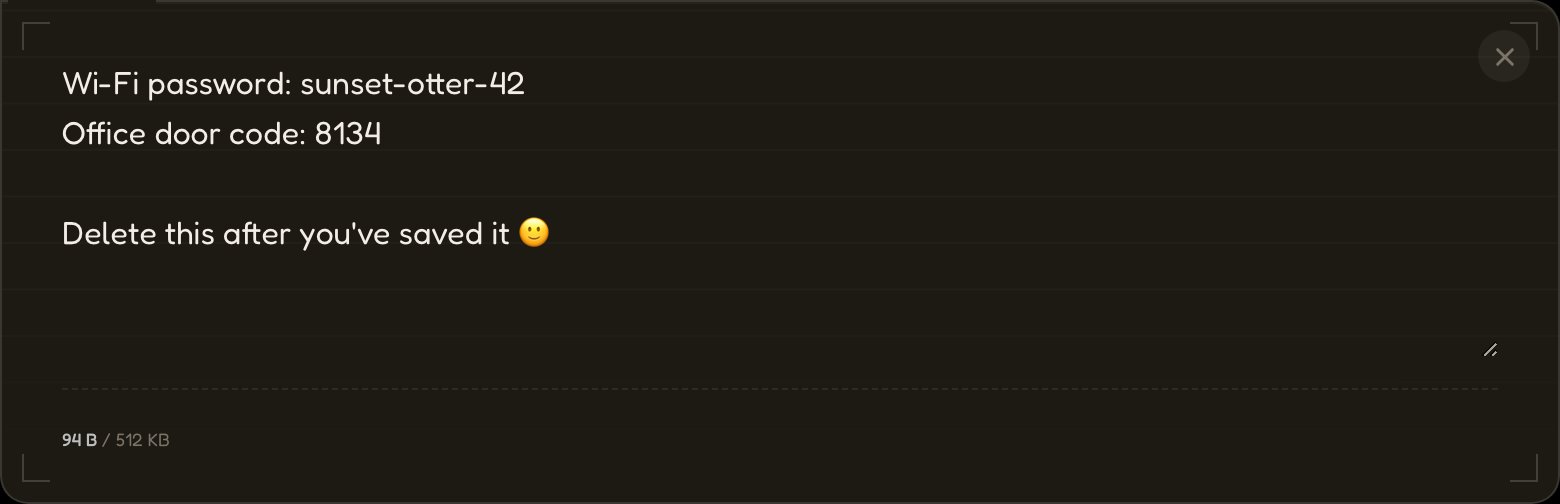
01Tape, colle, dépose un fichier.
Ton message est chiffré avec AES-256 avant que la moindre donnée ne transite par le réseau.
→ aes256(•) → ciphertext
02Envoie le lien.
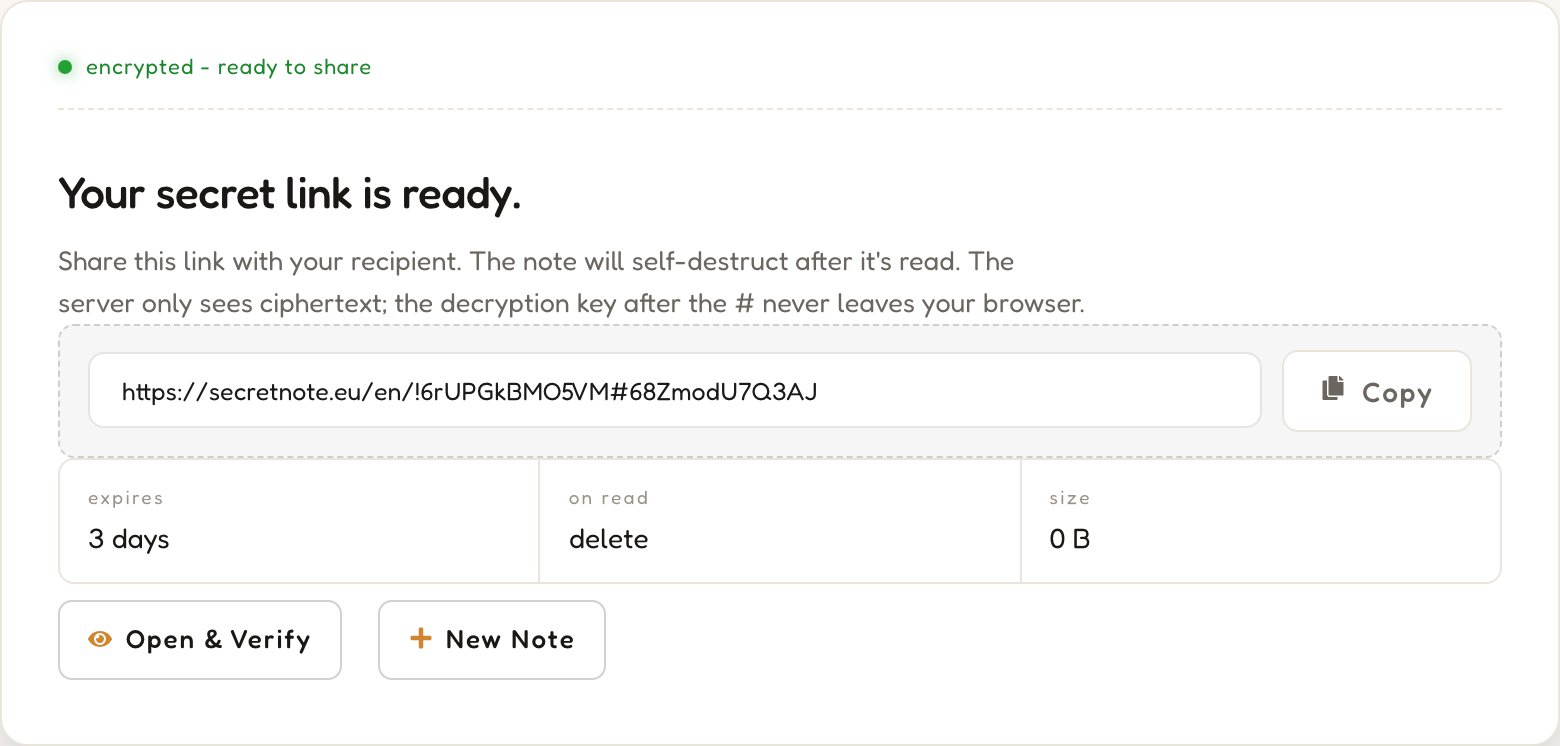
L'URL contient la clé de déchiffrement après le #, une partie que les navigateurs n'envoient jamais au serveur.
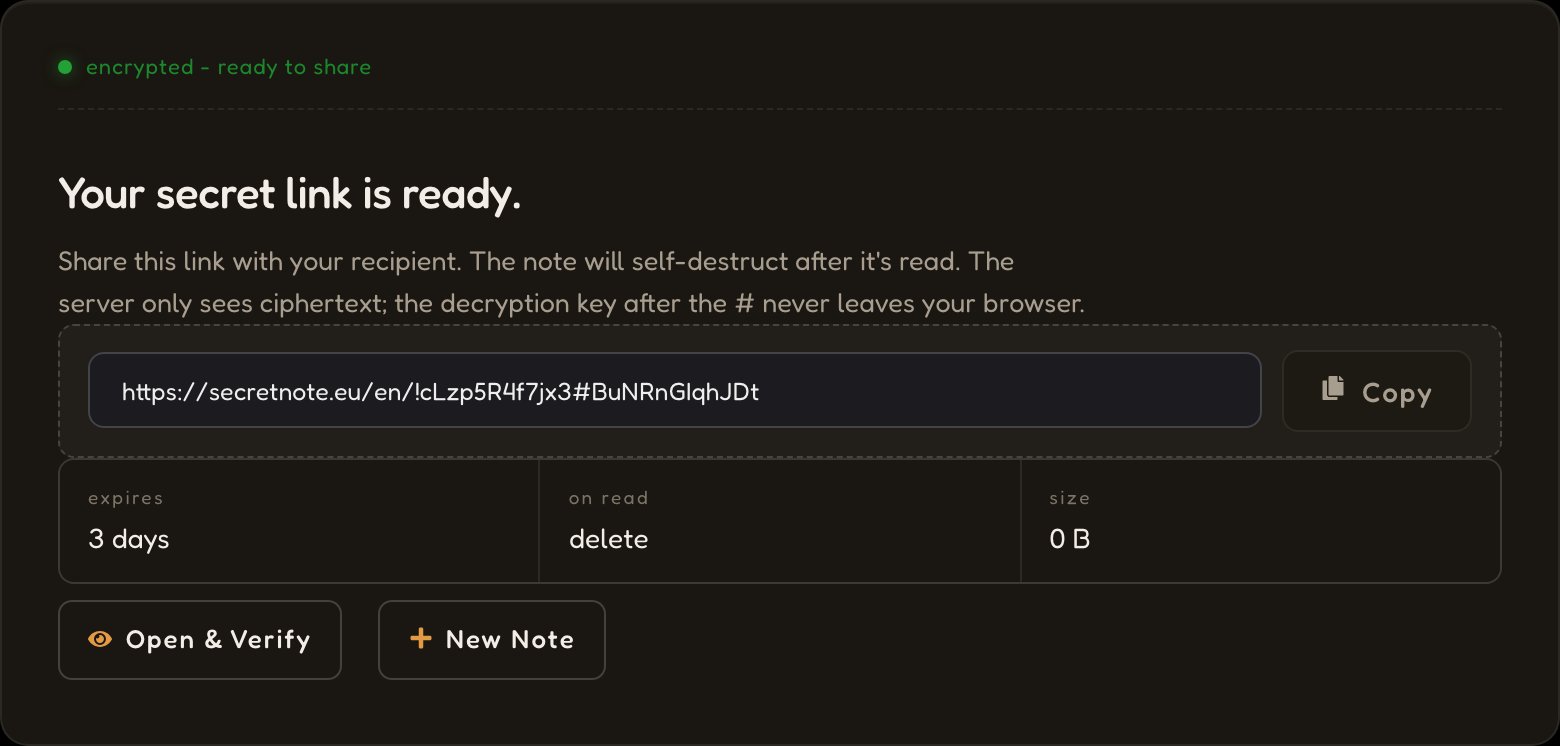
03Il disparaît à la lecture.
Le serveur supprime le texte chiffré dès que le lien est ouvert. Aucune sauvegarde, aucun journal, aucune récupération possible.
status: destroyed


Une note privée, chiffrée dans ton navigateur, qui disparaît une fois lue.
Architecture zero-knowledge
AES-256 s'exécute entièrement dans ton navigateur. La clé réside dans le fragment d'URL après le #, que les navigateurs ne transmettent jamais. Notre serveur ne stocke que du texte chiffré pour lequel il ne possède aucune clé.
Messages à autodestruction
Quand le lien est ouvert, le texte chiffré est récupéré, déchiffré localement, puis immédiatement supprimé. Si le même lien est ouvert une seconde fois, le second visiteur ne trouve plus rien.
Complètement anonyme
L'envoi d'une note ne nécessite ni compte, ni adresse e-mail, ni information personnelle. Seuls le texte chiffré, un identifiant aléatoire et une date d'expiration sont stockés, sans aucun lien avec ton identité. Aucun suivi, aucune prise d'empreinte du navigateur. Le compte gratuit est facultatif et ne sert qu'à débloquer quelques options supplémentaires.
Comment SecretNote protège tes données

01Chiffrement dans le navigateur
Ton message est chiffré avec AES-256 dans l'onglet de ton navigateur. Une clé aléatoire de 256 bits est générée localement : ni le texte en clair ni la clé ne sont jamais transmis.
02Seul le texte chiffré nous parvient
Le serveur stocke un bloc illisible d'octets chiffrés sous un identifiant aléatoire et ne le conserve que jusqu'à sa lecture ou son expiration.
03La clé réside dans le fragment d'URL
La clé se trouve après le # dans le lien. Les navigateurs ne transmettent jamais le fragment à un serveur, elle reste donc strictement entre l'expéditeur et le destinataire.
04Supprimé après la première lecture
Le destinataire déchiffre localement ; le serveur détruit le texte chiffré immédiatement. Aucune récupération n'est possible, ni de notre côté, ni du sien.

Ce que les gens partagent avec SecretNote
Tout ce que tu préfères ne pas laisser traîner dans une boîte mail ou un historique de conversation.
Mots de passe et identifiants
Partage des identifiants de connexion, des clés API et des tokens sans les laisser traîner dans des historiques de conversation ou des fils d'e-mails.
Documents sensibles
Envoie des données financières, des contrats ou des informations personnelles qui ne devraient pas traîner sur les canaux numériques.
Secrets DevOps et IT
Transmets des clés SSH, des identifiants de base de données et des secrets de configuration en toute sécurité entre les membres de l'équipe.
Messages privés
Envoie des notes confidentielles qui disparaissent, pour les moments qui méritent une vraie confidentialité.
SecretNote face aux autres méthodes de partage
Les e-mails et les messageries instantanées n'ont pas été conçus pour les secrets à usage unique. Voici ce qui change quand on utilise un outil fait pour ça.
Foire aux questions
Réponses sur les notes chiffrées, la sécurité zero-knowledge et le partage sécurisé de données.
Autres outils de confidentialité
Tout ce qu'il te faut pour partager des données privées en toute sécurité : gratuit, sans compte pour commencer, directement dans ton navigateur.
SecretScreen
Envoie une capture d'écran et obtiens un lien de partage qui s'autodétruit. L'image est chiffrée avant l'envoi et supprimée après la première consultation : aucun hébergement permanent.
Partager une capture d'écran →SecretFile
Envoie n'importe quel fichier et partage un lien de téléchargement à usage unique. Le fichier est chiffré de bout en bout et définitivement supprimé dès que le destinataire l'a téléchargé.
Envoyer un fichier secret →Générateur de hachage
Génère instantanément des hashs MD5, SHA-1, SHA-224, SHA-256, SHA-384 et SHA-512 dans ton navigateur. Ta saisie n'est jamais envoyée au serveur.
Générer un hash →Générateur de mots de passe
Génère des mots de passe robustes et aléatoires, avec un contrôle total sur la longueur et les jeux de caractères. Tout s'exécute en local : tes mots de passe ne transitent jamais par un serveur.
Générer un mot de passe →