


Sdílej soukromé poznámky, které se samy zničí.
Pošli poznámku, která se sama zničí, ve třech krocích
Vše probíhá v tvém prohlížeči. Server klíč nikdy nemá.
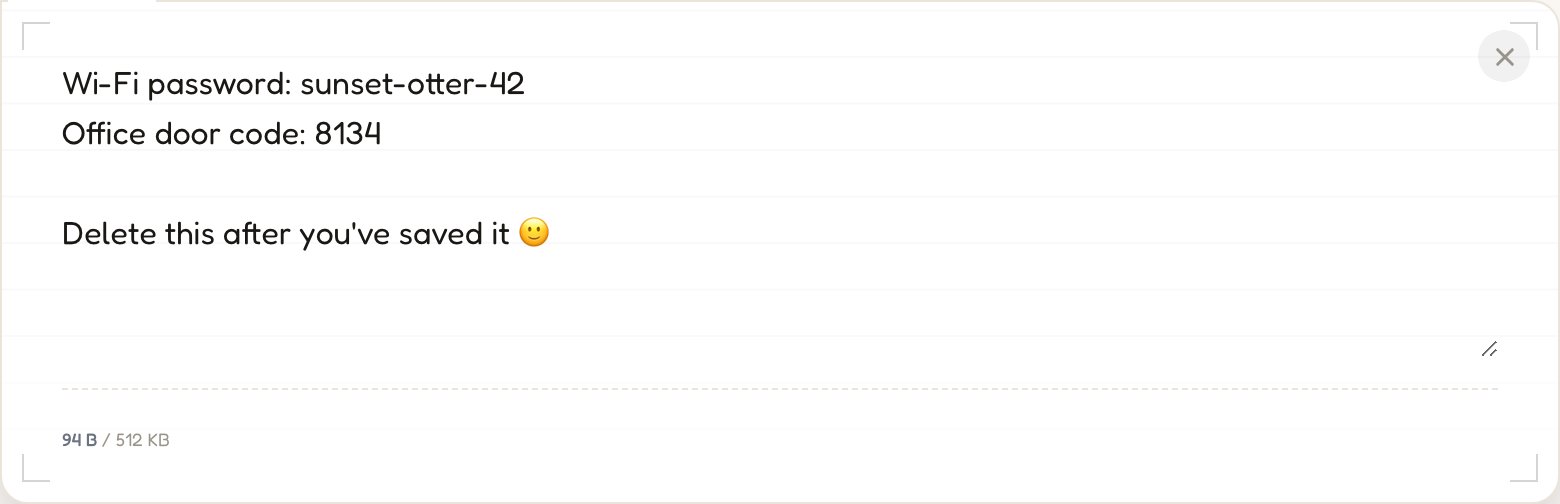
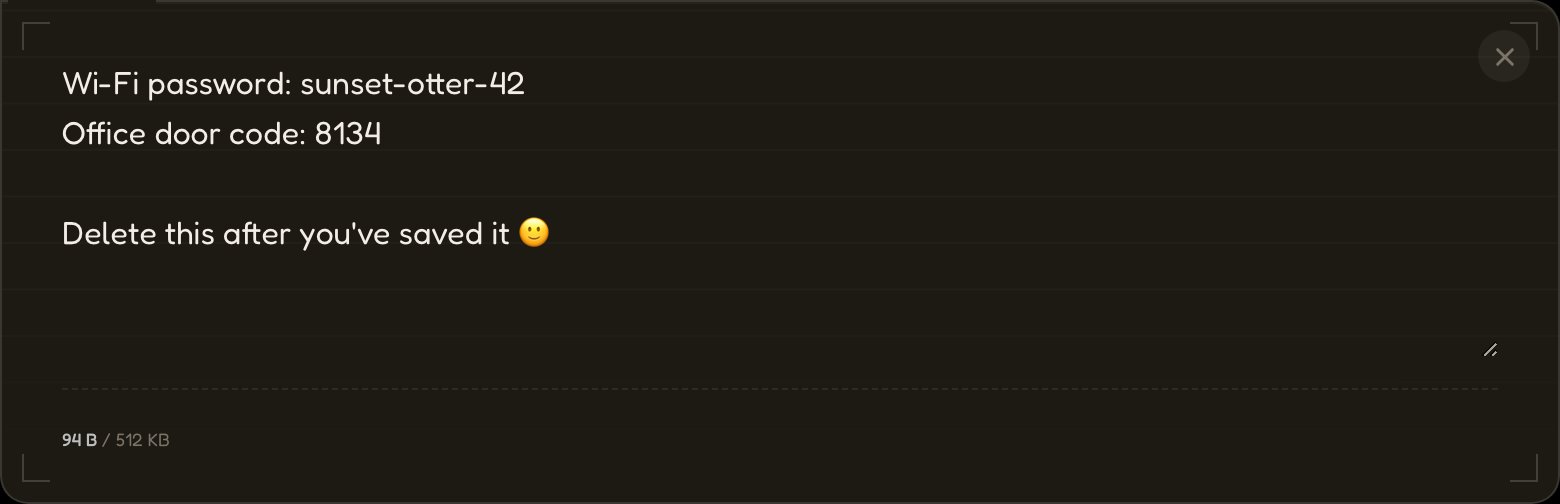
01Napiš, vlož nebo přilož soubor.
Tvoje zpráva se zašifruje pomocí AES-256 dřív, než cokoli odejde do sítě.
→ aes256(•) → ciphertext
02Pošli odkaz.
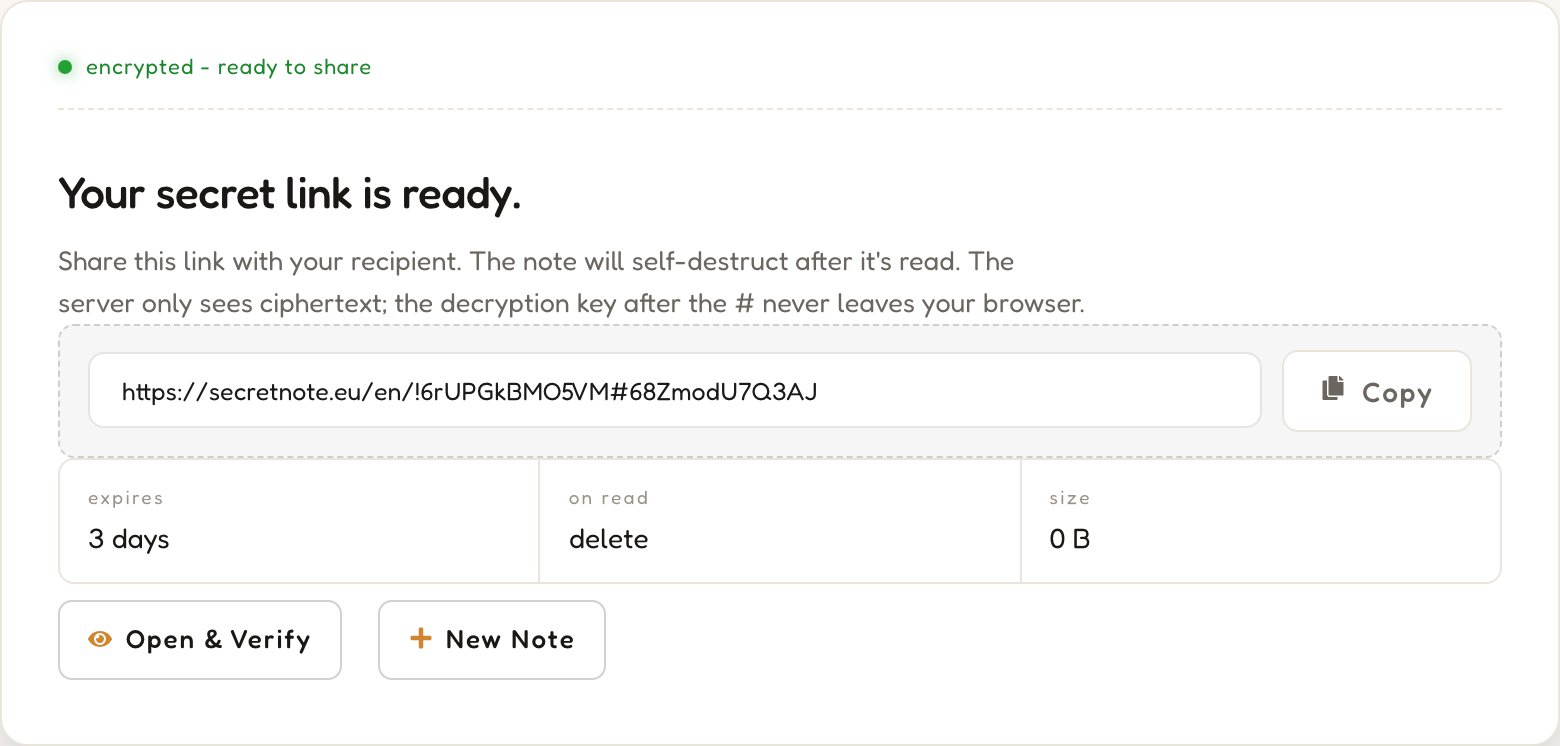
Dešifrovací klíč je v URL za znakem #, a tuto část prohlížeče nikdy neodesílají na server.
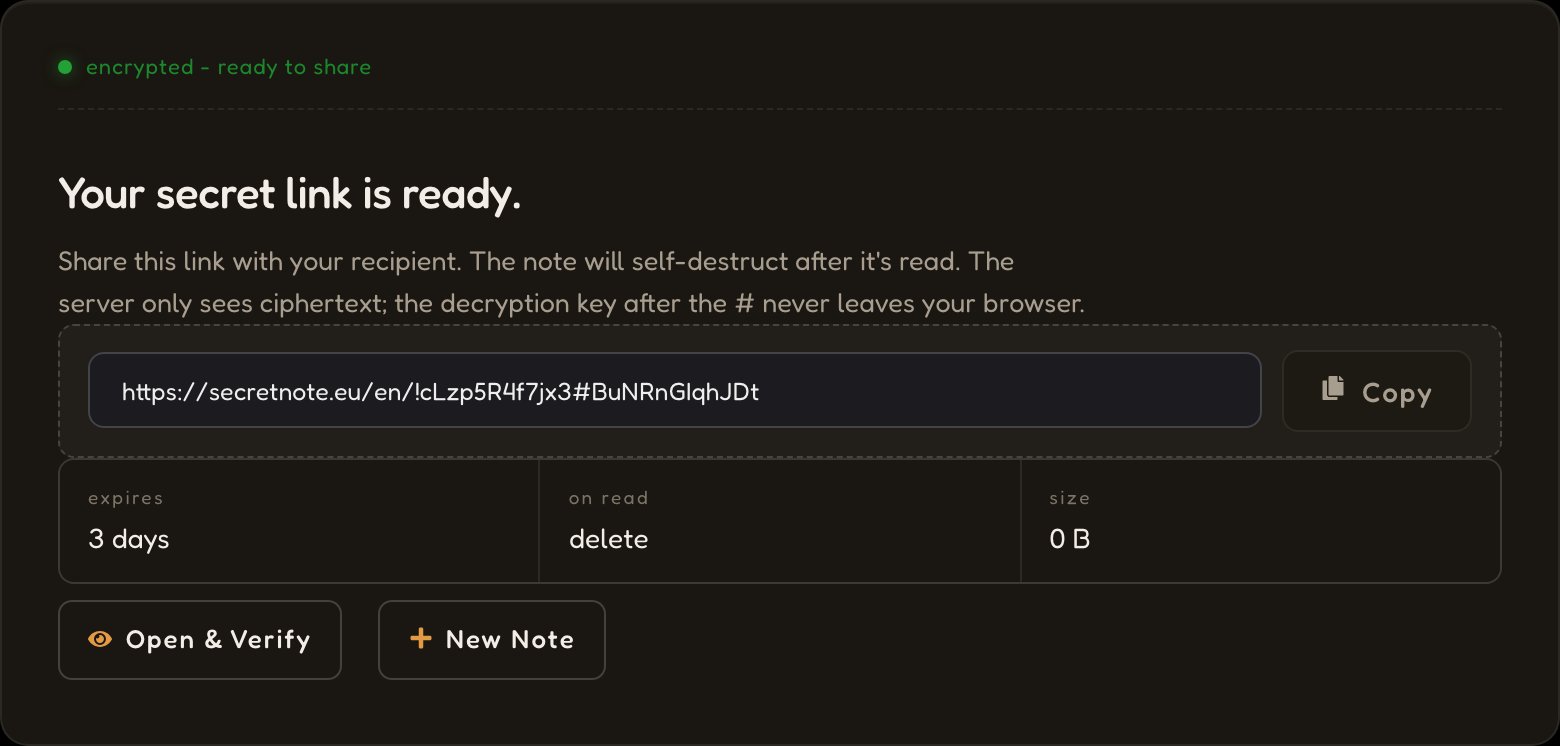
03Po přečtení zmizí.
Server smaže šifrovaný text hned, jak se odkaz otevře. Žádné zálohy, logy ani obnova.
status: destroyed


Soukromá poznámka, která se zašifruje ve tvém prohlížeči a po přečtení zmizí.
Architektura zero-knowledge
AES-256 běží celé v tvém prohlížeči. Klíč je ve fragmentu URL za #, který prohlížeče nikdy neodesílají. Náš server ukládá jen šifrovaný text, ke kterému nemá klíč.
Zprávy, které se samy zničí
Při otevření odkazu se šifrovaný text stáhne, lokálně dešifruje a okamžitě smaže. Když stejný odkaz otevře někdo podruhé, už nic nenajde.
Zcela anonymní
Odeslání poznámky nevyžaduje žádný účet, e-mail ani osobní údaje. Ukládá se jen šifrovaný text, náhodné ID a datum vypršení platnosti, a nic z toho není vázáno na tvou identitu. Žádné sledování, žádný fingerprinting. Bezplatný účet je volitelný a odemyká jen pár funkcí navíc.
Jak SecretNote chrání tvá data

01Šifrování v prohlížeči
Tvá zpráva se zašifruje pomocí AES-256 přímo v kartě prohlížeče. Náhodný 256bitový klíč se vygeneruje lokálně a ani prostý text, ani klíč se nikdy nikam neodesílají.
02K nám dorazí jen šifrovaný text
Server uloží pod náhodným ID jen nečitelný blok zašifrovaných bajtů a uchová ho jen do chvíle, než ho někdo přečte nebo vyprší jeho platnost.
03Klíč zůstává ve fragmentu URL
Klíč se nachází za # v odkazu. Prohlížeče fragment nikdy neodesílají na server, takže zůstává výhradně mezi odesílatelem a příjemcem.
04Smazáno po prvním přečtení
Příjemce dešifruje lokálně a server šifrovaný text okamžitě zničí. Obnova není možná, ani pro nás, ani pro nikoho jiného.
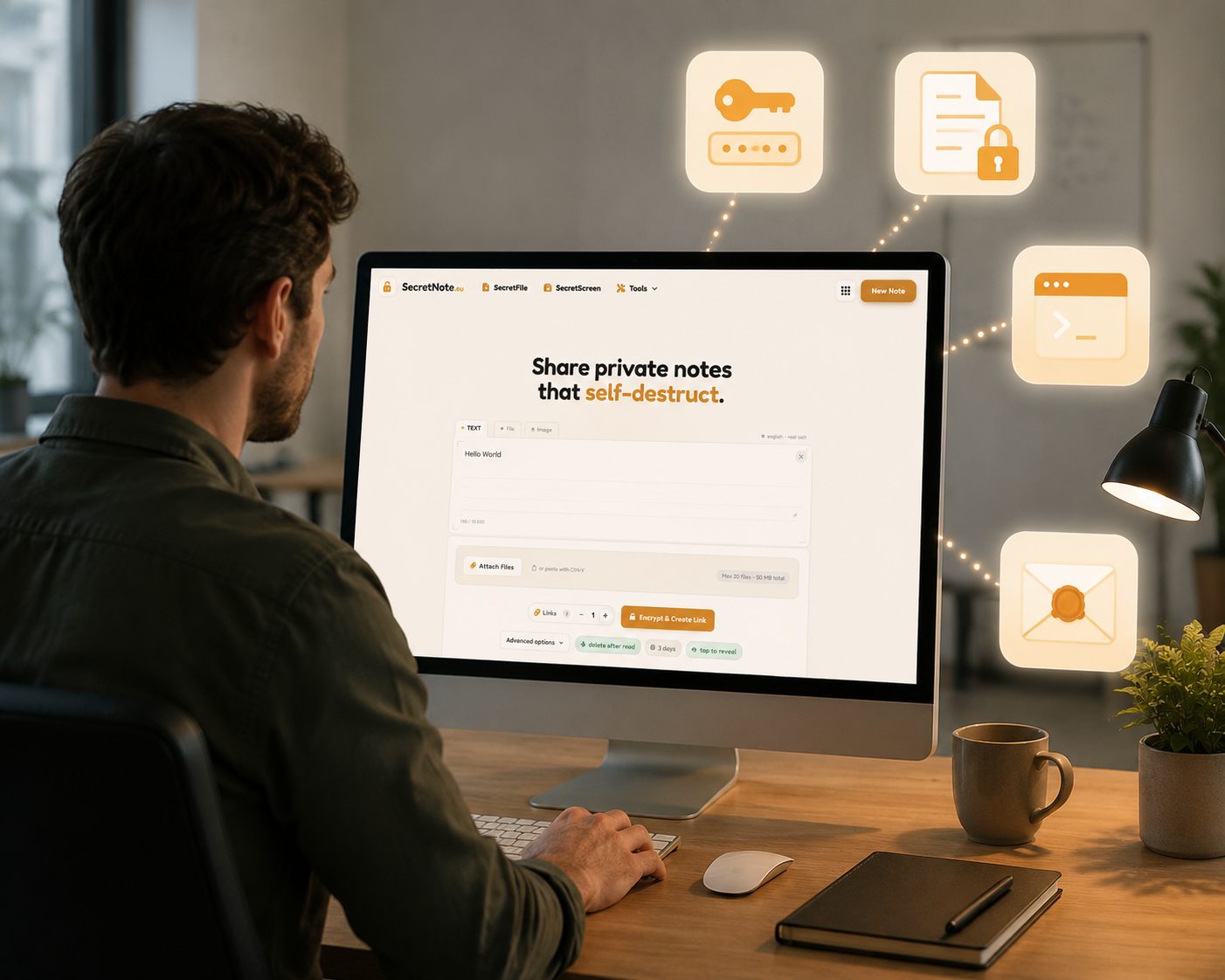
Co lidé sdílejí přes SecretNote
Cokoli, co nechceš nechávat ležet v doručené poště nebo v historii chatu.
Hesla a přihlašovací údaje
Sdílej přihlašovací údaje, API klíče a tokeny, aniž by zůstaly v historii chatu nebo e-mailových vláknech.
Citlivé dokumenty
Pošli finanční data, smlouvy nebo osobní údaje, které by neměly zůstávat v digitálních kanálech.
Tajné údaje pro DevOps a IT
Bezpečně posílej SSH klíče, přístupové údaje k databázím a tajné údaje z konfigurace mezi členy týmu.
Soukromé zprávy
Posílej důvěrné poznámky, které samy zmizí, ve chvílích, které si zaslouží opravdové soukromí.
SecretNote vs. jiné způsoby sdílení
E-mail a chatovací aplikace nevznikly pro jednorázová tajemství. Podívej se, co se změní, když použiješ nástroj, který pro ně vznikl.
Často kladené otázky
Odpovědi na otázky o šifrovaných poznámkách, zabezpečení typu zero-knowledge a bezpečném sdílení dat.
Další nástroje pro ochranu soukromí
Vše, co potřebuješ k bezpečnému sdílení soukromých dat. Zdarma, začít můžeš bez registrace a vše běží přímo v prohlížeči.
SecretScreen
Nahraj snímek obrazovky a získej odkaz ke sdílení, který se sám zničí. Obrázek se před nahráním zašifruje a po prvním zobrazení smaže, nic se trvale neukládá.
Sdílet snímek obrazovky →SecretFile
Nahraj libovolný soubor a sdílej jednorázový odkaz ke stažení. Soubor je šifrovaný end-to-end a po stažení příjemcem se trvale smaže.
Odeslat tajný soubor →Generátor hashů
Okamžitě generuj hashe MD5, SHA-1, SHA-224, SHA-256, SHA-384 a SHA-512 přímo v prohlížeči. Zadaná data se nikdy neodesílají na server.
Vygenerovat hash →Generátor hesel
Generuj silná náhodná hesla a měj plnou kontrolu nad délkou i sadami znaků. Vše běží lokálně, takže se tvá hesla nikdy nedostanou na server.
Vygenerovat heslo →