

Teile private Notizen, die sich selbst zerstören.
Eine selbstzerstörende Notiz in drei Schritten senden
Alles passiert in deinem Browser. Der Server besitzt niemals einen Schlüssel.
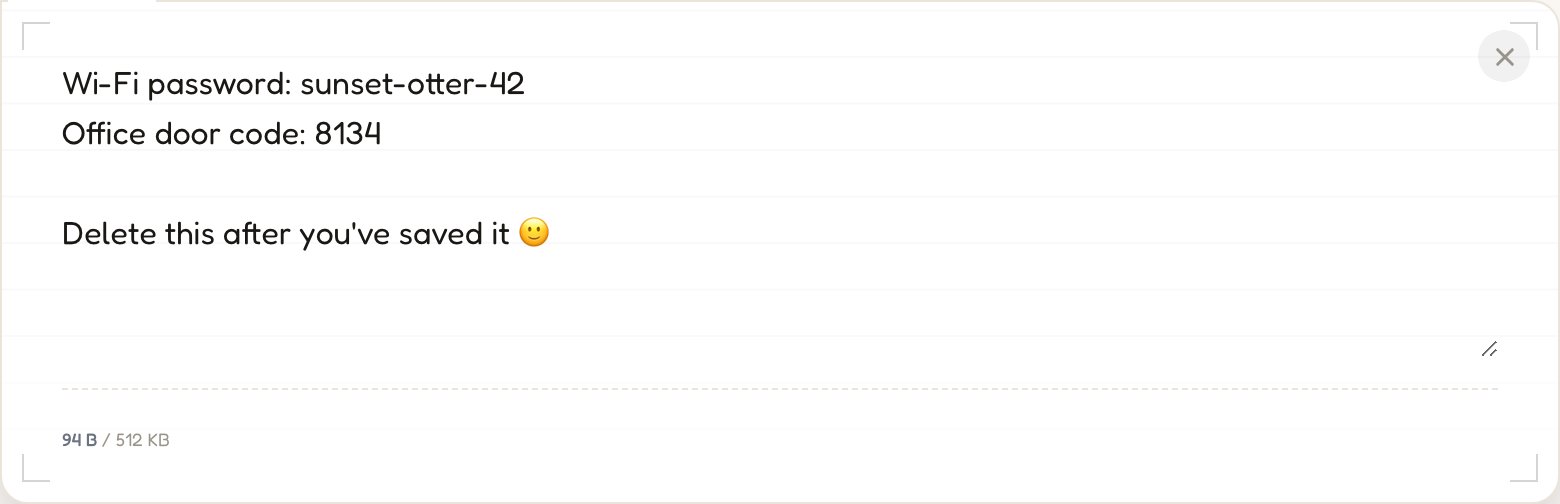
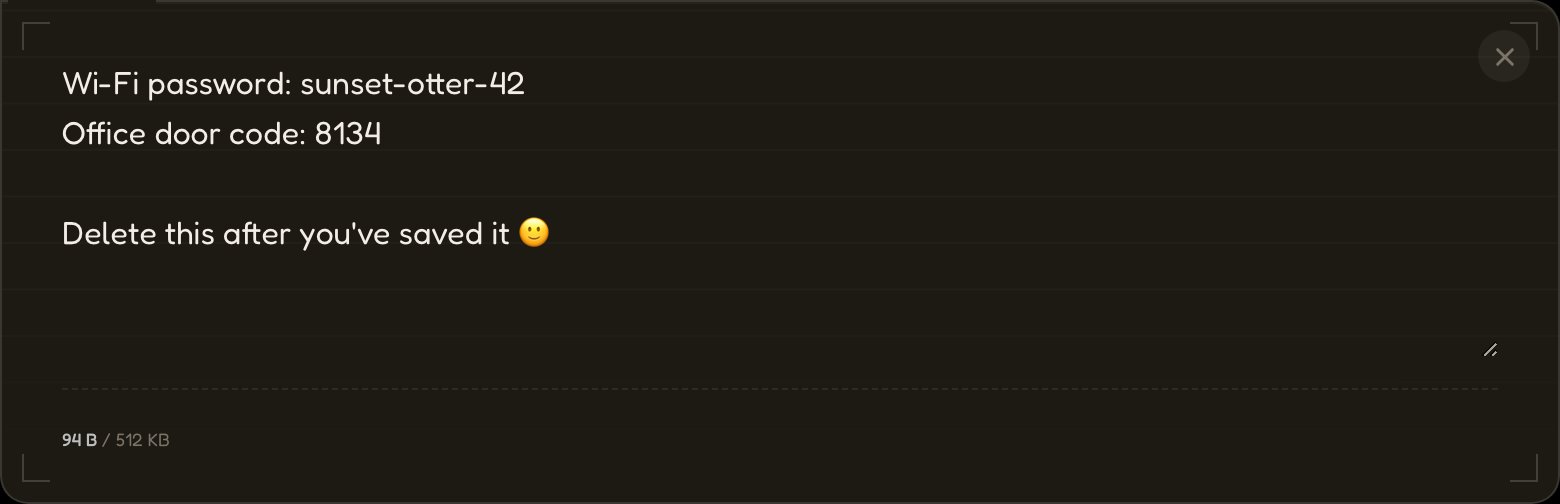
01Tippe, füge ein oder lade eine Datei hoch.
Deine Nachricht wird mit AES-256 verschlüsselt, bevor irgendetwas das Netzwerk berührt.
→ aes256(•) → ciphertext
02Link senden.
Die URL enthält den Entschlüsselungsschlüssel nach dem #, den Browser nie an einen Server senden.
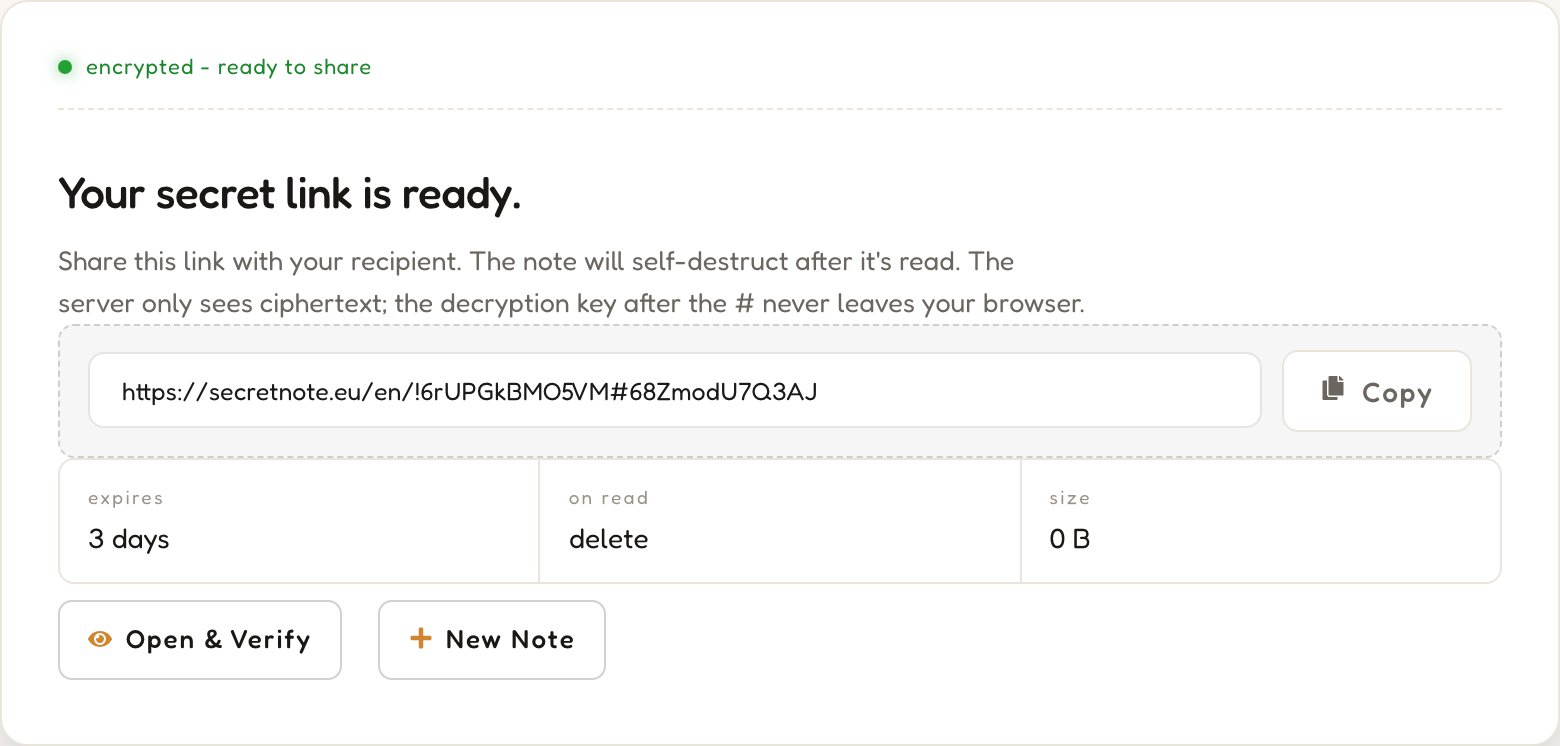
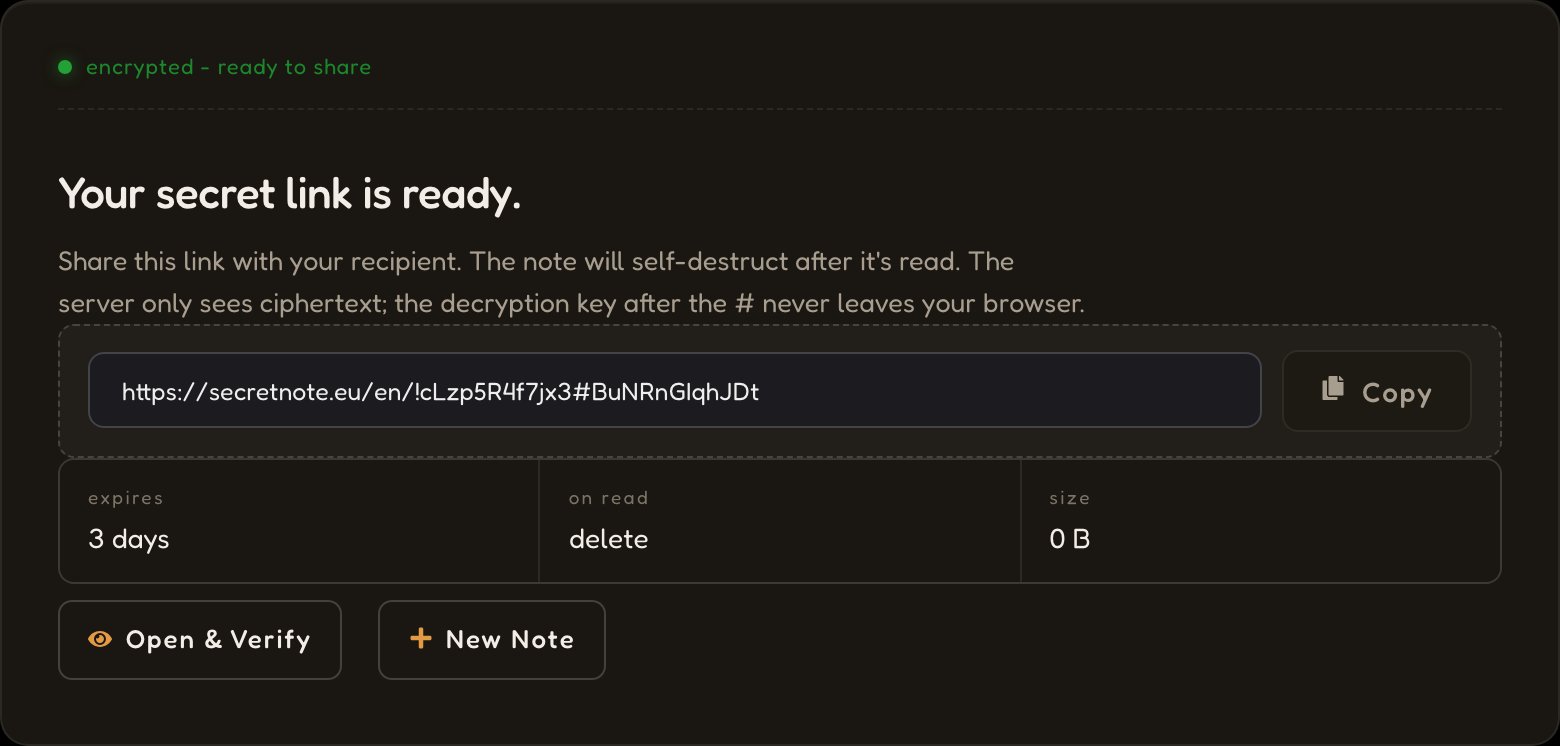
03Es verschwindet beim Lesen.
Der Server löscht den verschlüsselten Text in dem Moment, in dem der Link geöffnet wird. Keine Backups, keine Logs, keine Wiederherstellung.
status: destroyed


Eine private Notiz, in deinem Browser verschlüsselt und nach dem Lesen verschwunden.
Zero-Knowledge-Architektur
AES-256 läuft vollständig in deinem Browser. Der Schlüssel liegt im URL-Fragment nach dem #, das Browser nie übertragen. Unser Server speichert ausschließlich verschlüsselten Text, für den er keinen Schlüssel besitzt.
Selbstzerstörende Nachrichten
Wenn der Link geöffnet wird, wird der verschlüsselte Text abgerufen, lokal entschlüsselt und sofort gelöscht. Öffnet jemand denselben Link ein zweites Mal, findet er nichts mehr vor.
Völlig anonym
Zum Senden einer Notiz benötigst du kein Konto, keine E-Mail und keine persönlichen Daten. Gespeichert werden nur der verschlüsselte Text, eine zufällige ID und ein Ablaufdatum, keines davon einer Identität zugeordnet. Kein Tracking, kein Fingerprinting. Ein kostenloses Konto ist optional und schaltet nur einige wenige Extras frei.
So schützt SecretNote deine Daten

01Verschlüsselung im Browser
Deine Nachricht wird mit AES-256 in deinem Browser-Tab verschlüsselt. Ein zufälliger 256-Bit-Schlüssel wird lokal erzeugt; weder der Klartext noch der Schlüssel wird je übertragen.
02Nur verschlüsselter Text erreicht uns
Der Server speichert einen bedeutungslosen Block verschlüsselter Bytes unter einer zufälligen ID und behält ihn nur, bis er gelesen wird oder abläuft.
03Schlüssel liegt im URL-Fragment
Der Schlüssel befindet sich nach dem # im Link. Browser übertragen das Fragment nie an einen Server, sodass er ausschließlich zwischen Sender und Empfänger bleibt.
04Nach dem ersten Lesen gelöscht
Der Empfänger entschlüsselt lokal; der Server vernichtet den verschlüsselten Text sofort. Eine Wiederherstellung ist nicht möglich, weder für uns noch für den Empfänger.
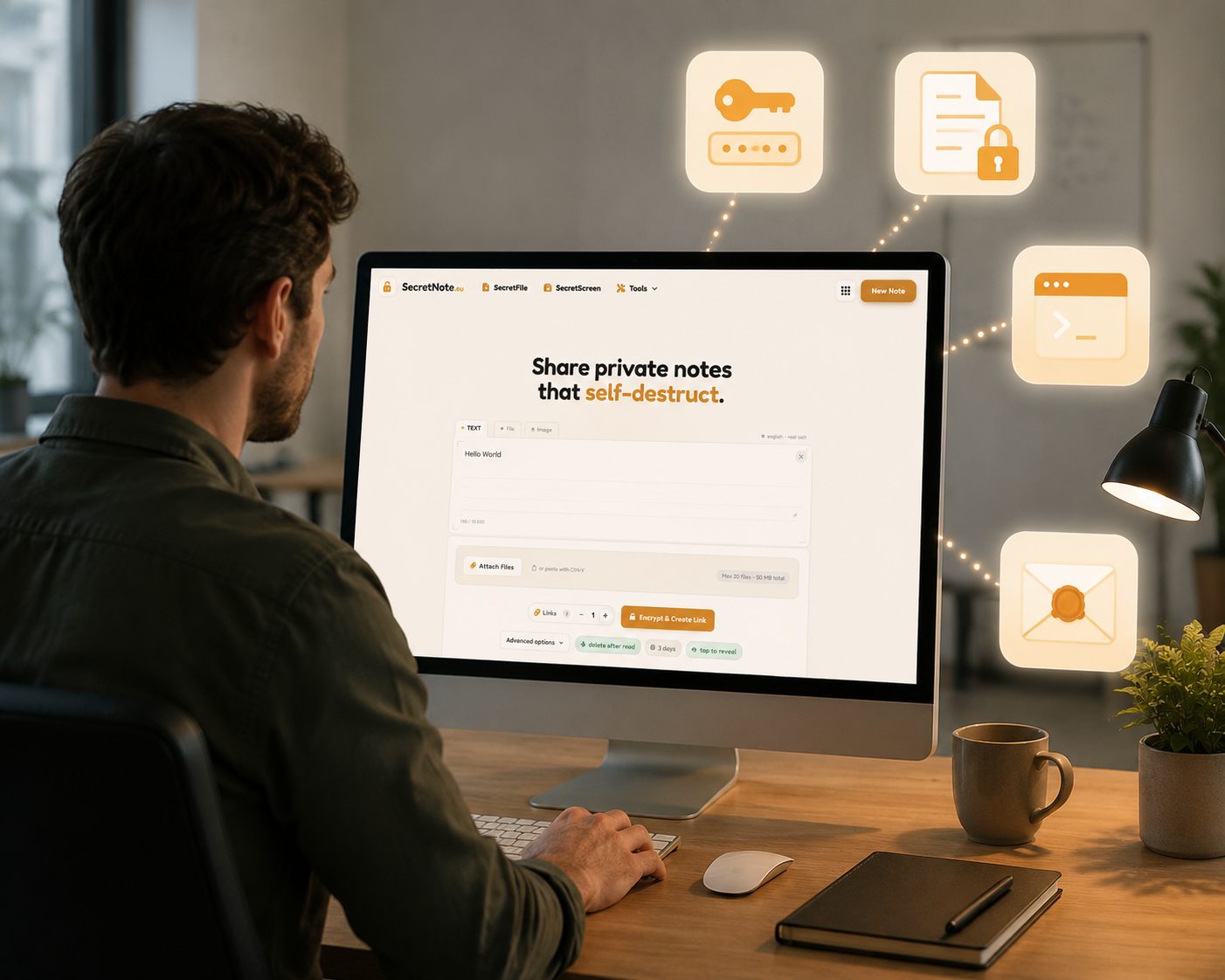
Was Menschen mit SecretNote teilen
Alles, was du lieber nicht in einem Posteingang oder Chatverlauf hinterlassen möchtest.
Passwörter und Zugangsdaten
Teile Zugangsdaten, API-Schlüssel und Tokens, ohne sie in Chatverläufen oder E-Mail-Threads zu hinterlassen.
Sensible Dokumente
Sende Finanzdaten, Verträge oder persönliche Informationen, die nicht dauerhaft in digitalen Kanälen gespeichert bleiben sollen.
DevOps- und IT-Geheimnisse
Übertrage SSH-Schlüssel, Datenbankzugangsdaten und Konfigurationsgeheimnisse sicher zwischen Teammitgliedern.
Private Nachrichten
Sende vertrauliche Notizen, die verschwinden, für Momente, die echte Privatsphäre verdienen.
SecretNote im Vergleich zu anderen Sharing-Methoden
E-Mail und Chat-Apps wurden nicht für Einmal-Geheimnisse entwickelt. Hier ist, was sich ändert, wenn du ein Tool verwendest, das dafür gemacht ist.
Häufig gestellte Fragen
Antworten zu verschlüsselten Notizen, Zero-Knowledge-Sicherheit und sicherem Datenaustausch.
Weitere Datenschutz-Tools
Alles, was du brauchst, um private Daten sicher zu teilen: kostenlos, kein Konto erforderlich, läuft direkt in deinem Browser.
SecretScreen
Lade einen Screenshot hoch und erhalte einen Link, der sich nach dem ersten Aufruf selbst zerstört. Das Bild wird vor dem Hochladen verschlüsselt und nach der ersten Ansicht gelöscht (kein dauerhaftes Hosting).
Screenshot teilen →SecretFile
Lade eine beliebige Datei hoch und teile einen Einmal-Download-Link. Die Datei wird Ende-zu-Ende verschlüsselt und nach dem Herunterladen durch den Empfänger dauerhaft gelöscht.
Geheime Datei senden →Hash-Generator
Generiere MD5-, SHA-1-, SHA-224-, SHA-256-, SHA-384- und SHA-512-Hashes sofort in deinem Browser. Deine Eingabe wird nie an den Server gesendet.
Hash generieren →Passwort-Generator
Generiere starke, zufällige Passwörter mit voller Kontrolle über Länge und Zeichensätze. Alles läuft lokal: Deine Passwörter gelangen nie auf einen Server.
Passwort generieren →