

Share private notes that self-destruct.
Send a self-destructing note in three steps
Everything happens in your browser. The server never holds a key.
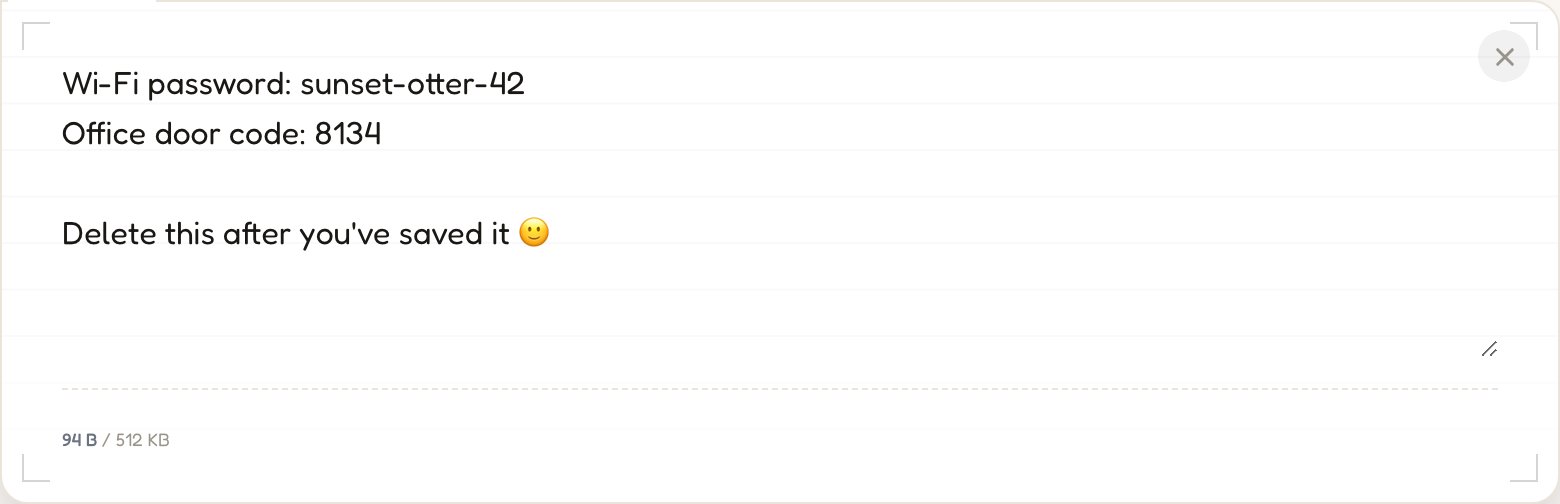
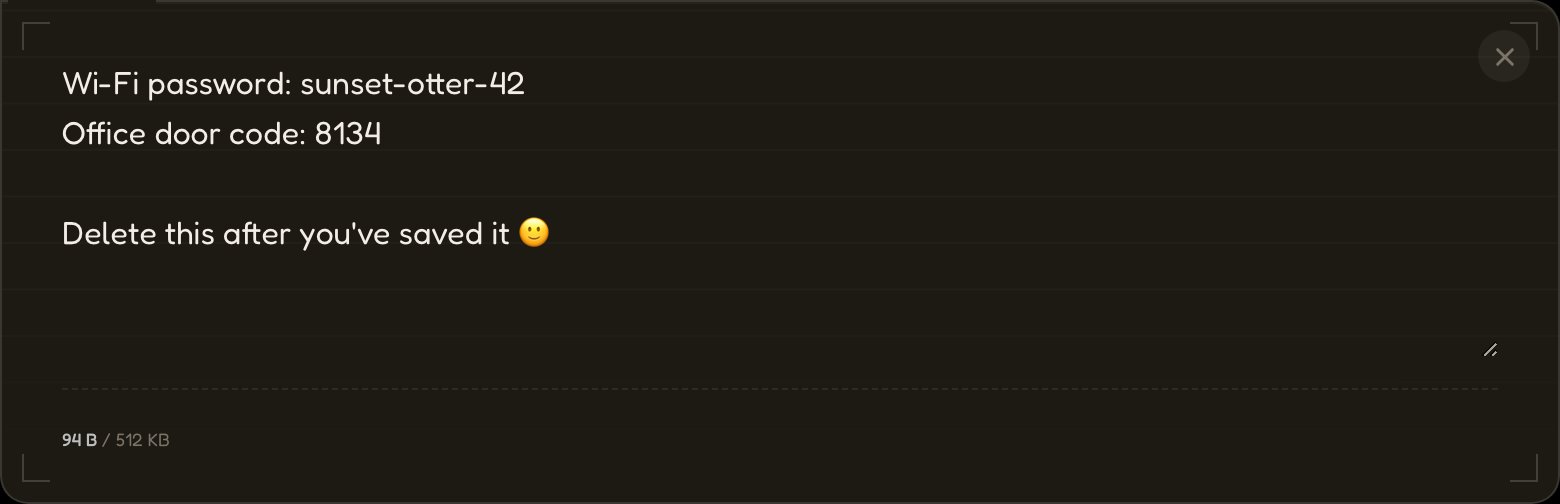
01Type, paste, drop a file.
Your message is encrypted with AES-256 before anything touches the network.
→ aes256(•) → ciphertext
02Send the link.
The URL carries the decryption key after the #, which browsers never send to a server.
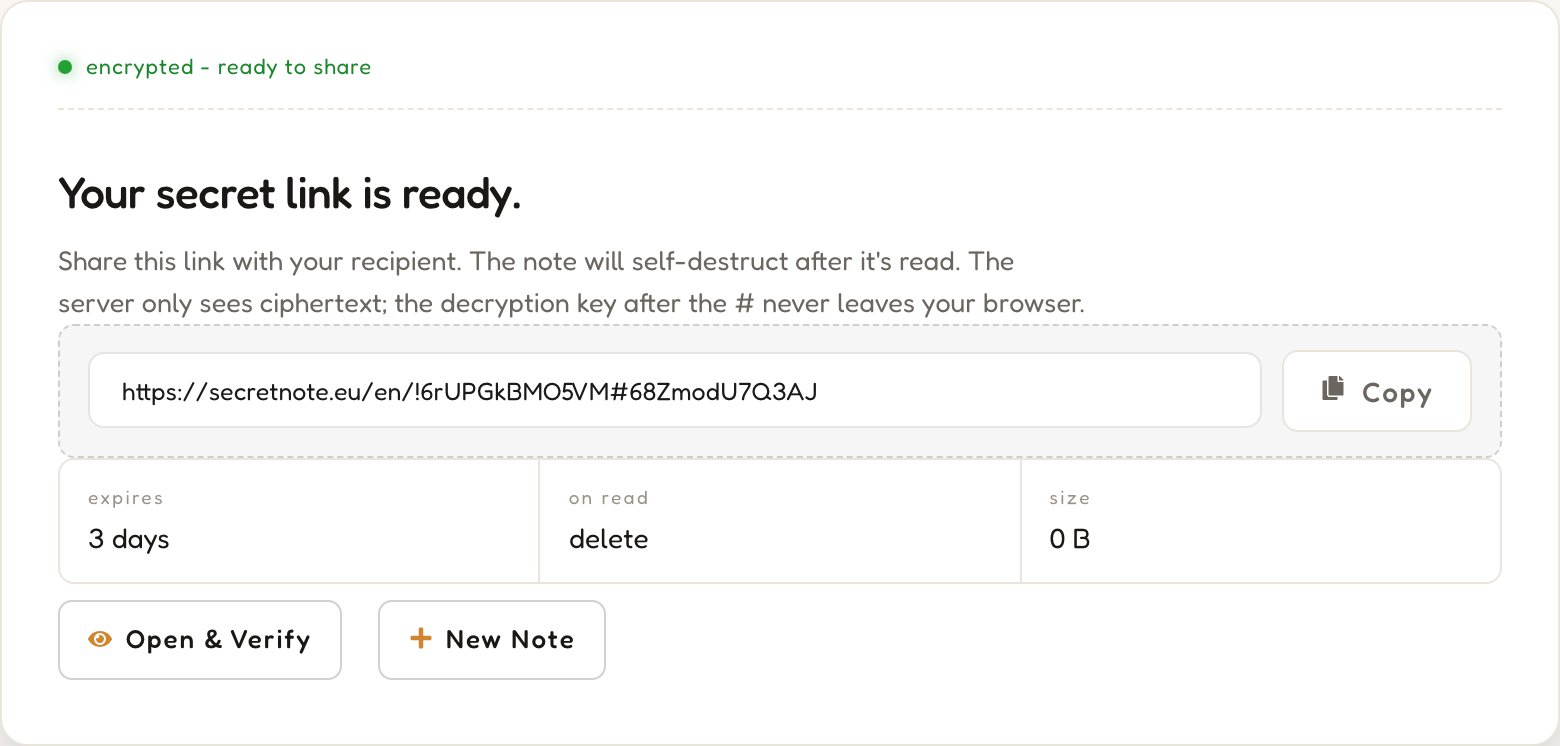
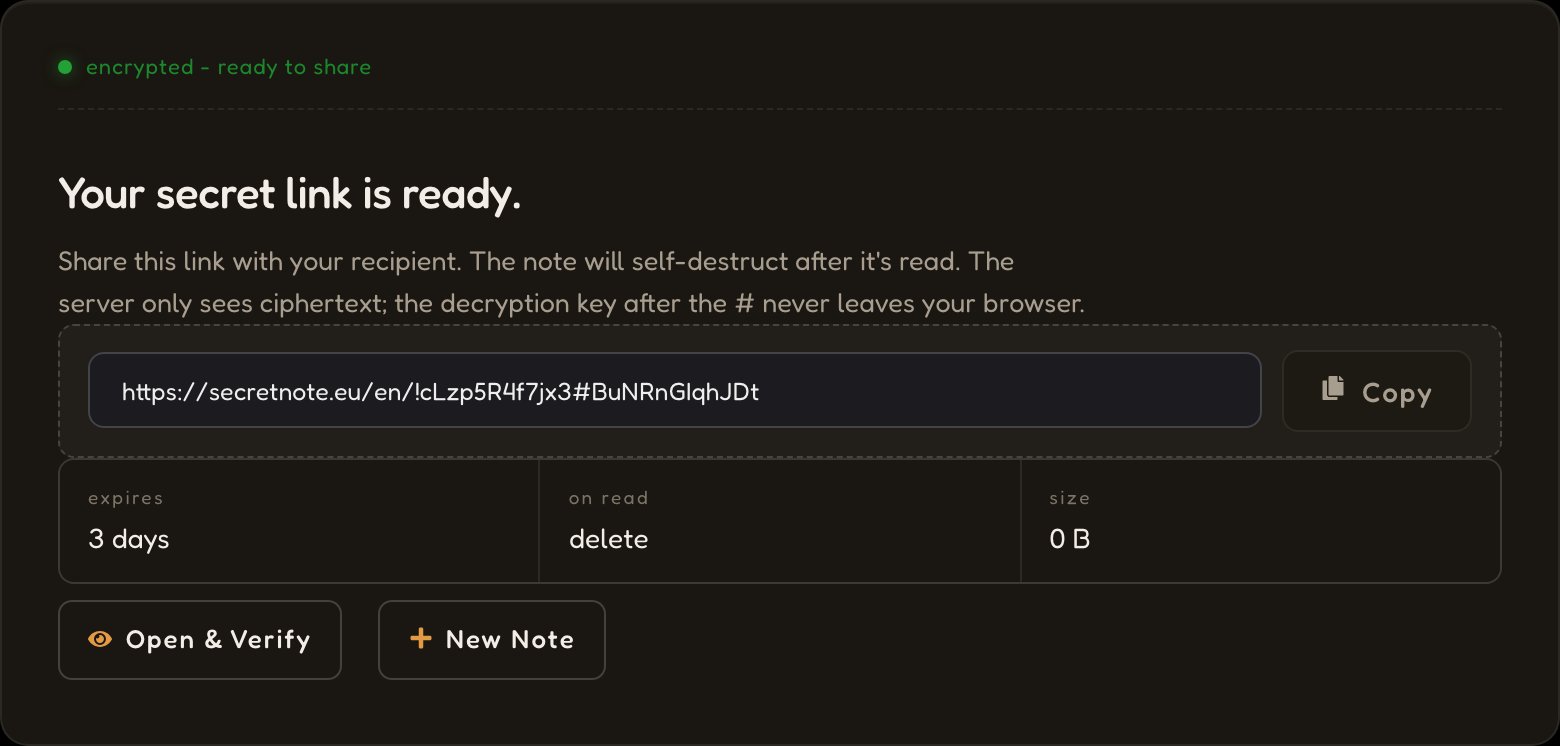
03It disappears on read.

The server deletes the ciphertext the moment the link is opened. No backups, logs, or recovery.
status: destroyed
A private note, encrypted in your browser and gone after it's read.
Zero-knowledge architecture
AES-256 runs entirely in your browser. The key lives in the URL fragment after the #, which browsers never transmit. Our server only ever stores ciphertext it has no key for.
Self-destructing messages
When the link is opened, the ciphertext is fetched, decrypted locally, and immediately deleted. Open the same link twice and the second visitor finds nothing.
Completely anonymous
Sending a note needs no account, no email, no personal information. Only the ciphertext, a random ID, and an expiry are stored — none tied to any identity. No tracking, no fingerprinting. A free account is optional and only unlocks a few extras.
How SecretNote protects your data

01Encryption in the browser
Your message is encrypted with AES-256 inside your browser tab, using a random key generated on your device — neither the plaintext nor the key is ever transmitted.
02Only ciphertext reaches us
The server stores a meaningless block of encrypted bytes under a random ID, and holds it only until it is read or expires.
03Key lives in the URL fragment
The key sits after the # in the link. Browsers never transmit the fragment to a server, so it stays strictly between sender and recipient.
04Deleted after first read
The recipient decrypts locally; the server destroys the ciphertext immediately. There is no recovery — not by us, not by them.

What people share with SecretNote
Anything you'd rather not leave sitting in an inbox or a chat log.
Passwords & credentials
Share login details, API keys, and tokens without leaving them in chat logs or email threads.
Sensitive documents
Send financial data, contracts, or personal info that should not persist in digital channels.
DevOps & IT secrets
Transmit SSH keys, database credentials, and config secrets safely between team members.
Private messages
Send confidential notes that vanish, for moments that deserve true privacy.
SecretNote vs other ways to share
Email and chat apps were not built for one-time secrets. Here is what changes when you use a tool that is.
Frequently asked questions
Answers about encrypted notes, zero-knowledge security, and safe data sharing.
More privacy tools
Everything you need to share private data safely - free, no account needed to get started, runs in your browser.
SecretScreen
Upload a screenshot and get a self-destructing share link. The image is encrypted before upload and deleted after the first view - no permanent hosting.
Share a screenshot →SecretFile
Upload any file and share a one-time download link. The file is encrypted end-to-end and permanently deleted after the recipient downloads it.
Send a secret file →Hash Generator
Instantly generate MD5, SHA-1, SHA-224, SHA-256, SHA-384 and SHA-512 hashes in your browser. Your input is never sent to the server.
Generate a hash →Password Generator
Generate strong, random passwords with full control over length and character sets. Everything runs locally - your passwords never touch a server.
Generate a password →