
Have you ever wondered how self-destructing notes keep your sensitive information safe? These temporary messaging tools are now essential for sharing passwords, private data, and messages that vanish after being read. In this guide, we'll break down the technology behind them - from encryption to automatic deletion.
The Encryption Foundation of Temporary Notes
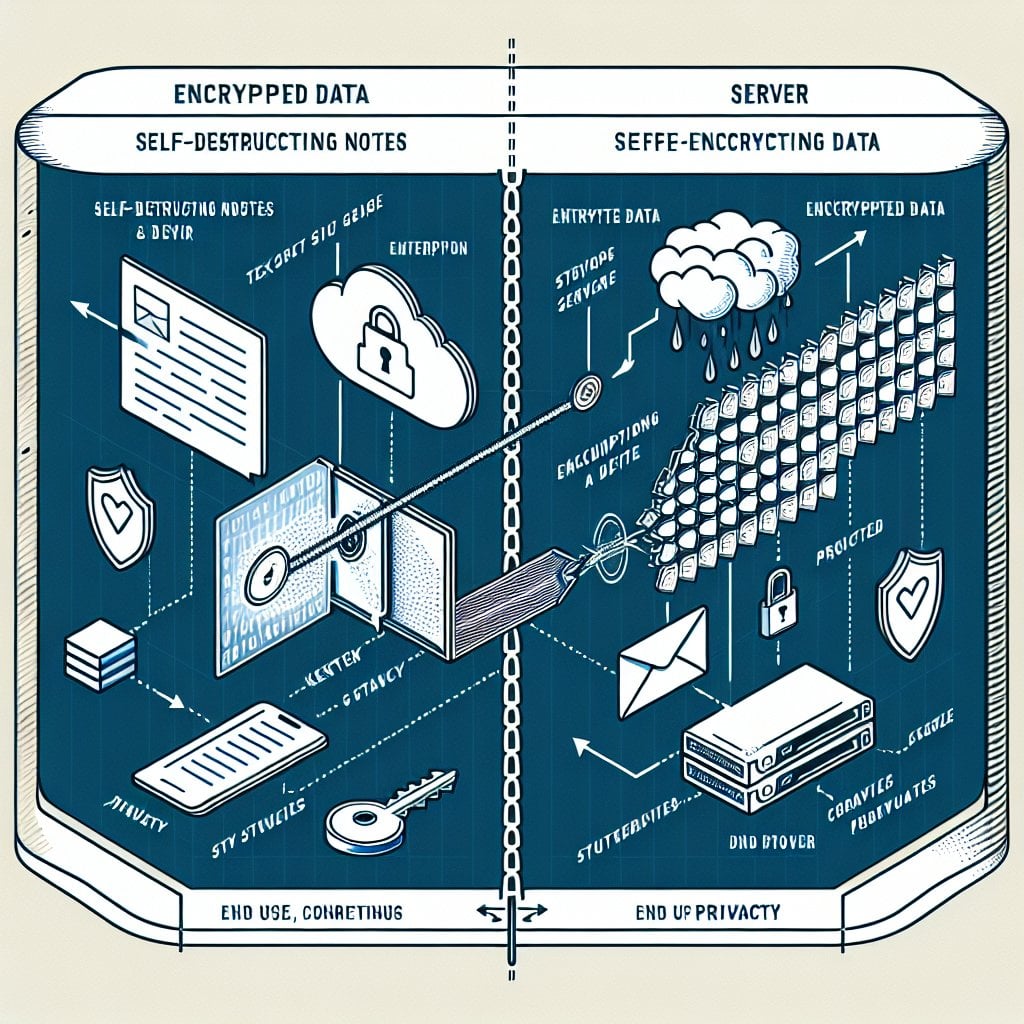
Every secure self-destructing note relies on strong encryption. When you create a temporary message, the system does not store your text in plain format on a server. Instead, it uses end-to-end encryption to scramble your message into unreadable data.
Here is how the encryption process works:
- Your message gets encrypted in your browser before it is sent
- A unique encryption key is created for that specific note
- The encrypted data goes to the server, but the key stays with you
- Only someone with the correct key can read the message
Most services use AES-256 encryption. This is a military-grade standard. It would take billions of years to crack with current computing power. Even if someone intercepts your data, they cannot read it without the key.
Client-Side vs. Server-Side Encryption
This difference matters a lot for security. Here is a simple breakdown:
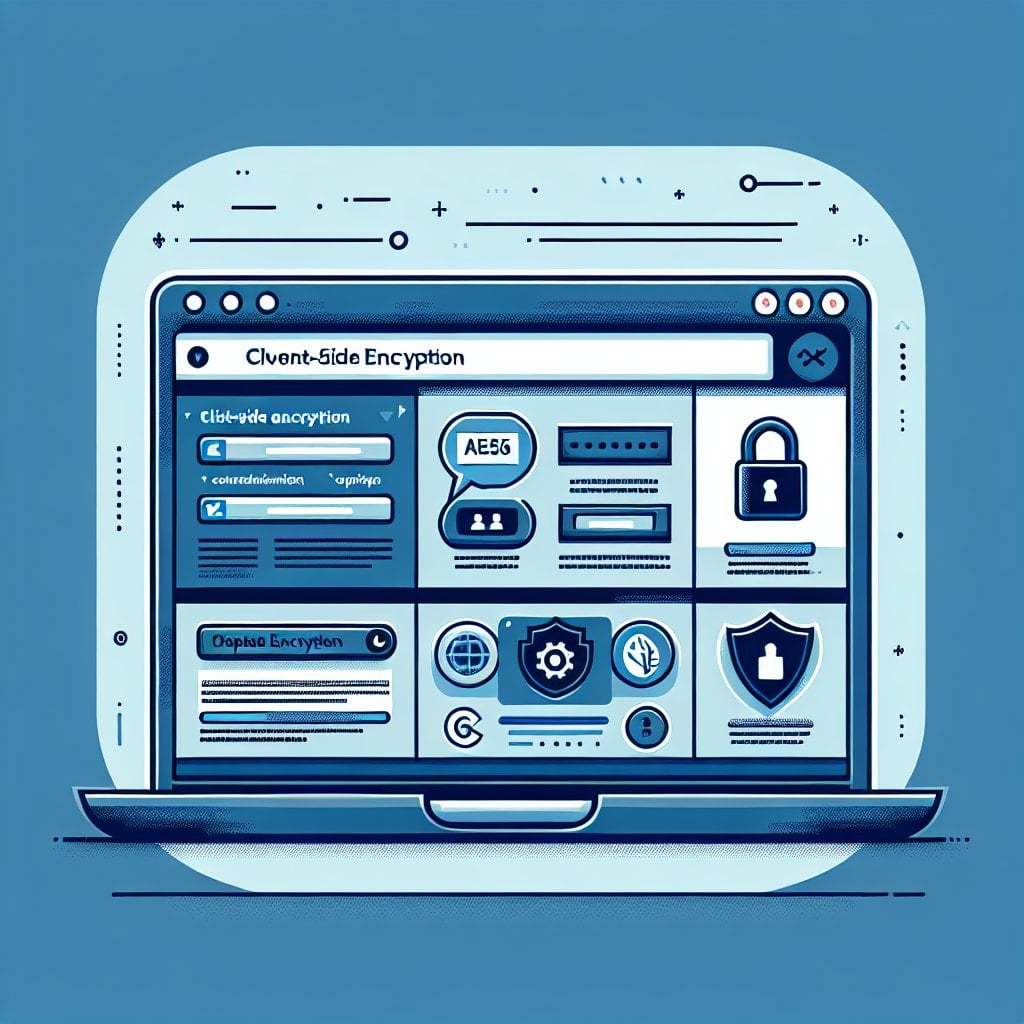
- Client-side encryption: Your message is encrypted inside your browser before it leaves your device. The service provider never sees your plain text.
- Server-side encryption: The provider receives your message first, then encrypts it. This creates a brief moment where plain text exists on their systems.
The best self-destructing note services use client-side encryption. You do not need to trust the provider because they never see your data in readable form.
Browser Security Features That Protect Your Data
Modern browsers include built-in security tools that work alongside encryption. These features help block common attack methods.
Memory Management and Data Clearing
When you view a self-destructing note, the decrypted content briefly exists in your device's memory. Secure services clear this data right after the note closes. This stops recovery tools from pulling deleted messages from RAM.
Browser cache management also matters. Most websites cache content for speed. But self-destructing note services use special HTTP headers to stop browsers from caching sensitive data. These include:
- Cache-Control: no-store - tells the browser not to save the page
- Pragma: no-cache - prevents older browsers from caching the content
Protection Against Common Web Attacks
Self-destructing note platforms use several browser security tools to block threats:
- Content Security Policy (CSP): Stops harmful scripts from running on the page
- HTTPS Enforcement: Keeps all data transfers encrypted
- Cross-Site Request Forgery (CSRF) Tokens: Blocks unauthorized actions from other sites
- Same-Origin Policy: Limits how pages from different sources interact
These tools work in layers. If one fails, the others are still active to protect your data.
How Notes Actually Disappear
The "self-destructing" part is not just about hiding content. True destruction means the encrypted data is fully removed from the database.
Most services offer several ways to trigger deletion:
- Single-view deletion: The note deletes right after the first person reads it
- Time-based expiration: Auto-deletion after a set period (hours, days, or weeks)
- Manual destruction: The creator deletes the note before anyone reads it
- Maximum view count: Deletion after a set number of views
The deletion process happens in stages:
- The system marks the note for deletion in the database
- A cleanup process removes the encrypted data from storage
- Any related metadata (such as creation time and access logs) is also deleted
Key Takeaways:
- Self-destructing notes use client-side AES-256 encryption to protect data before it leaves your browser
- Browser features like CSP, HTTPS, and cache headers prevent unauthorized access and data recovery
- True destruction means full database deletion, not just hiding content
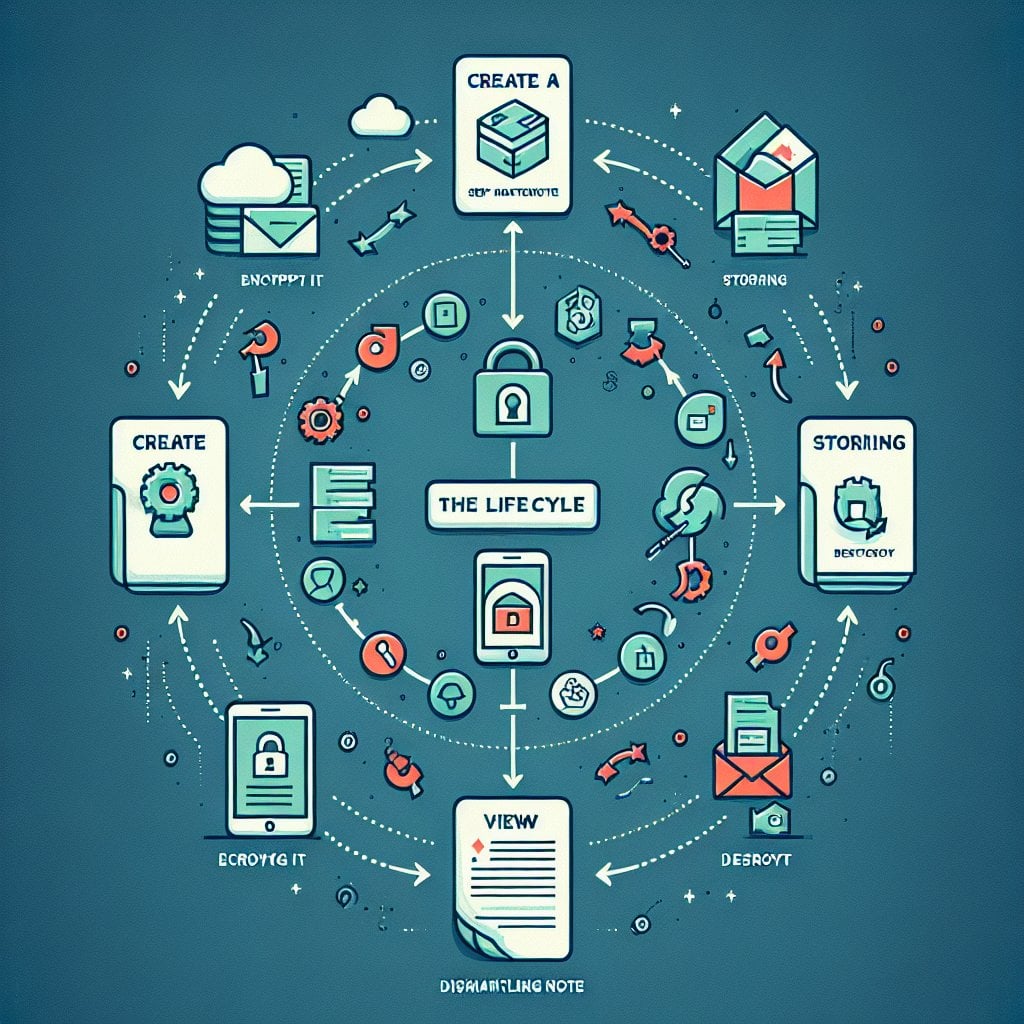
- Multiple security layers work together to protect your data throughout its lifecycle
Conclusion
Self-destructing notes use several layers of protection to keep your data safe. Strong encryption scrambles your message. Browser security tools block unauthorized access. Automatic deletion ensures your data does not sit on servers longer than needed. Whether you are sharing passwords, business data, or personal messages, these tools offer a reliable way to share sensitive information online.
FAQ
When set up correctly, self-destructing notes cannot be recovered after deletion. The encryption key exists only in the URL. Once the encrypted data is removed from the database, nothing remains. However, this only applies if the service uses true deletion rather than soft deletion (marking data as deleted but keeping it stored).
Screenshots bypass the technical protections of self-destructing notes. The original encrypted data gets deleted from the server, but a screenshot creates a permanent local copy on your device. Some services warn users about screenshots, but browsers cannot block screen captures. Only share sensitive notes with people you trust.
The encryption key is placed in the URL after the hash symbol (#). This part of the URL is never sent to the server during normal HTTP requests. The server never sees the decryption key. When you share the link, the recipient's browser uses the key to decrypt the message locally. This keeps the key separate from the encrypted data stored on servers.
Yes, self-destructing notes are generally safe for sharing passwords when using a trusted service with proper encryption. They are much safer than sending passwords by email or regular messaging apps. Make sure the service uses client-side encryption, HTTPS, and immediate deletion after viewing. For extra security, share the link through a different channel than you normally use.
Self-destructing notes are built for one-time sharing. No app installation is needed. Encrypted messaging apps support ongoing secure conversations between registered users. Notes work through simple web links and delete right away. Messaging apps keep conversation history until you delete it manually. Use notes for quick, temporary sharing with anyone. Use encrypted messaging apps for regular secure communication with specific contacts.